
Action items surfaced first
Pull the practical next steps out of long answers before admin opens the whole form.
Quote, revisit, access, safety
Try Door Ops free. No card. No automatic charge. Build better door-company software with us.
Free beta & paid plansAI action summaries
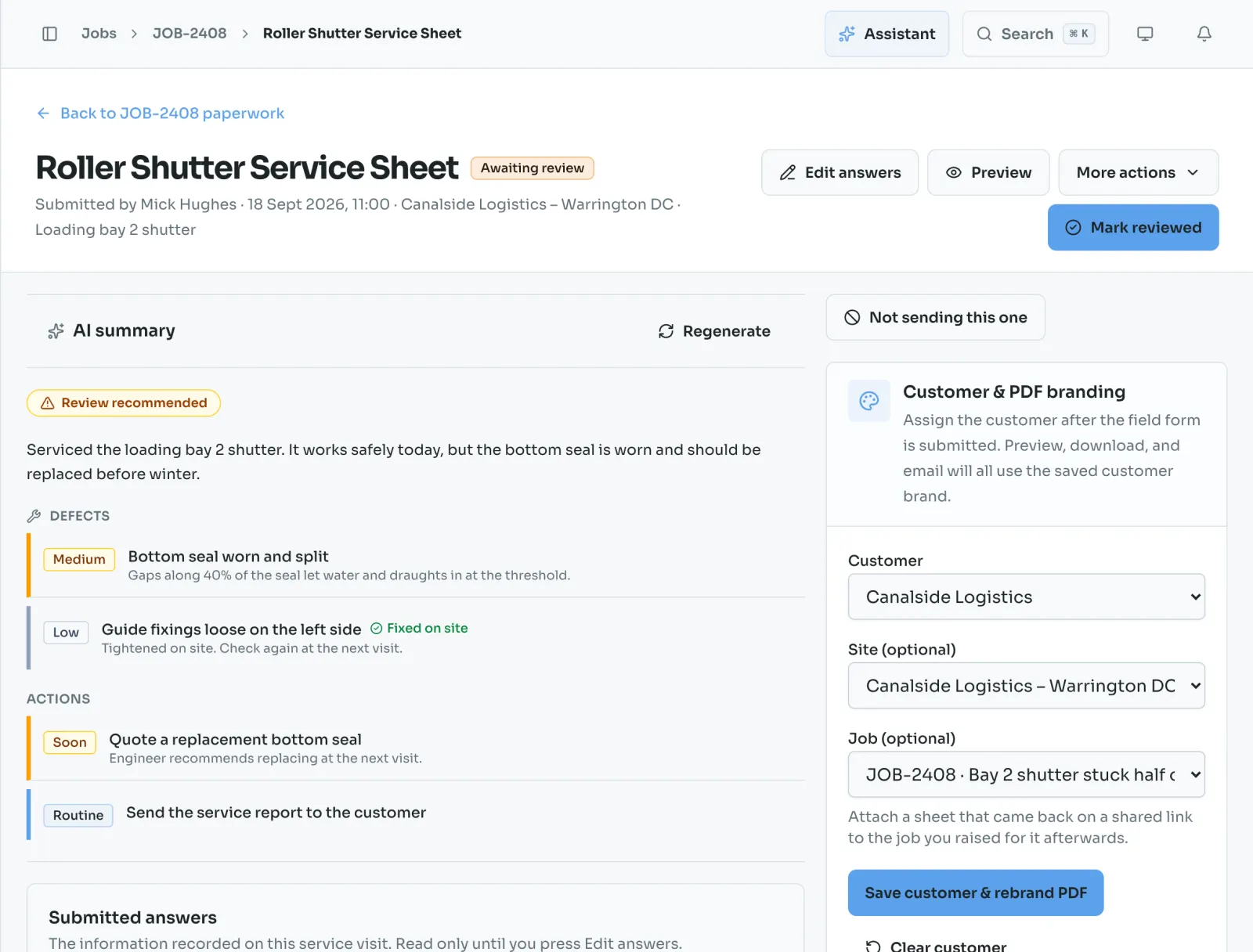
Engineers still submit the full worksheet. Door Ops gives the office a short action summary first, so quote requests, follow-ups, and customer updates are easier to spot.
How it works
Real Door Ops screens from a sample door company. AI summaries are on Core and Plus.
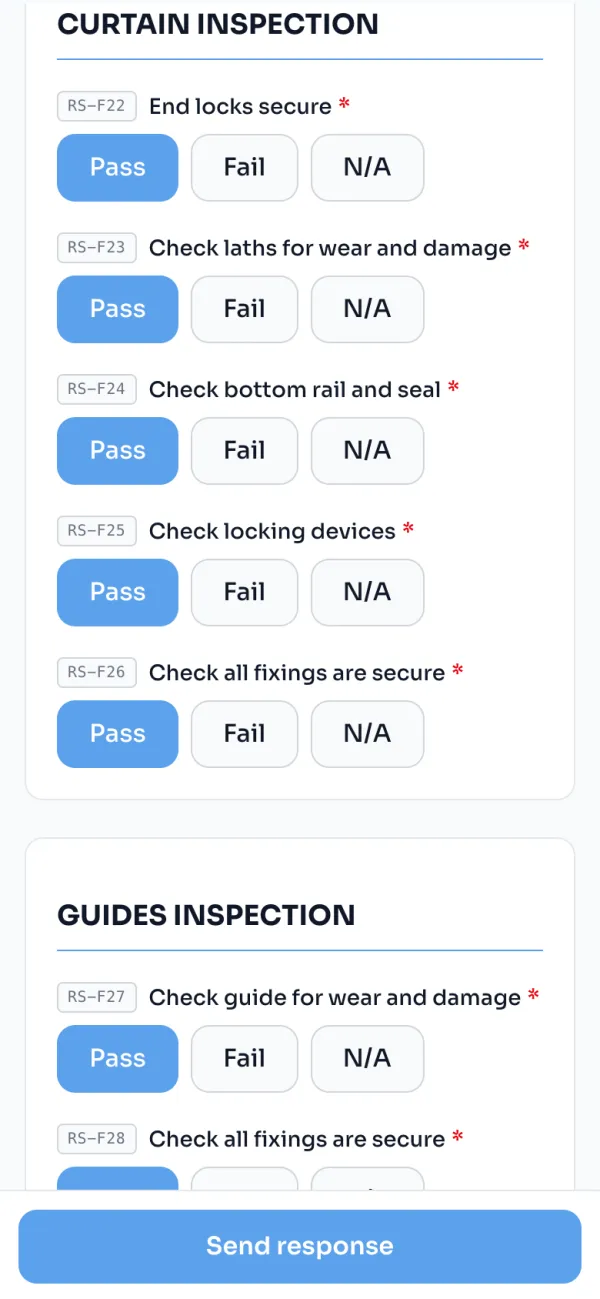
Nothing is shortened. The engineer answers every check, adds the photos and gets the signature, the same as any other visit.
A one-line account of the visit, the defects ranked by severity and the actions ranked by urgency, waiting when the office opens the sheet.
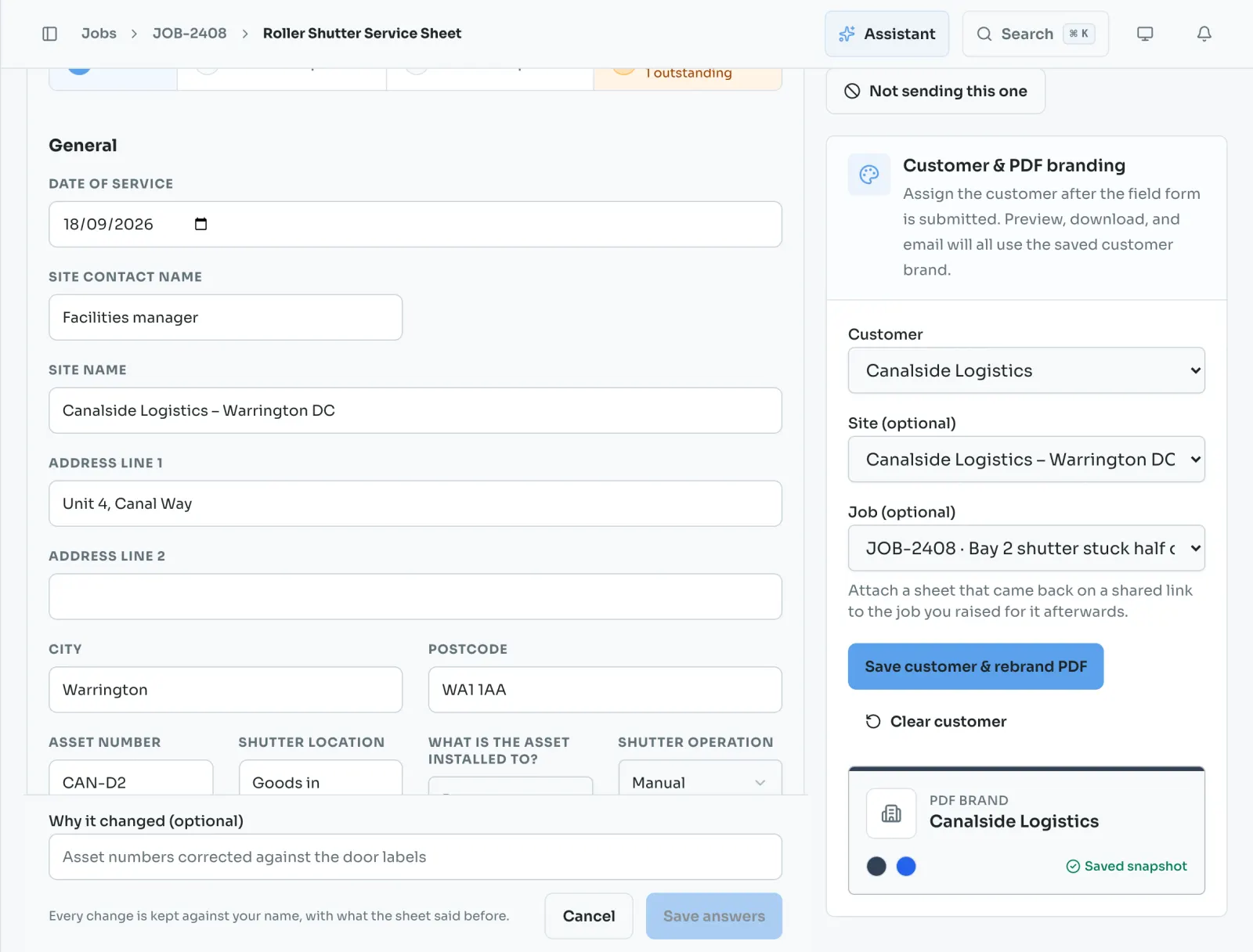
The summary is a starting point. Read the answers underneath, correct anything that is wrong, and decide what goes out.
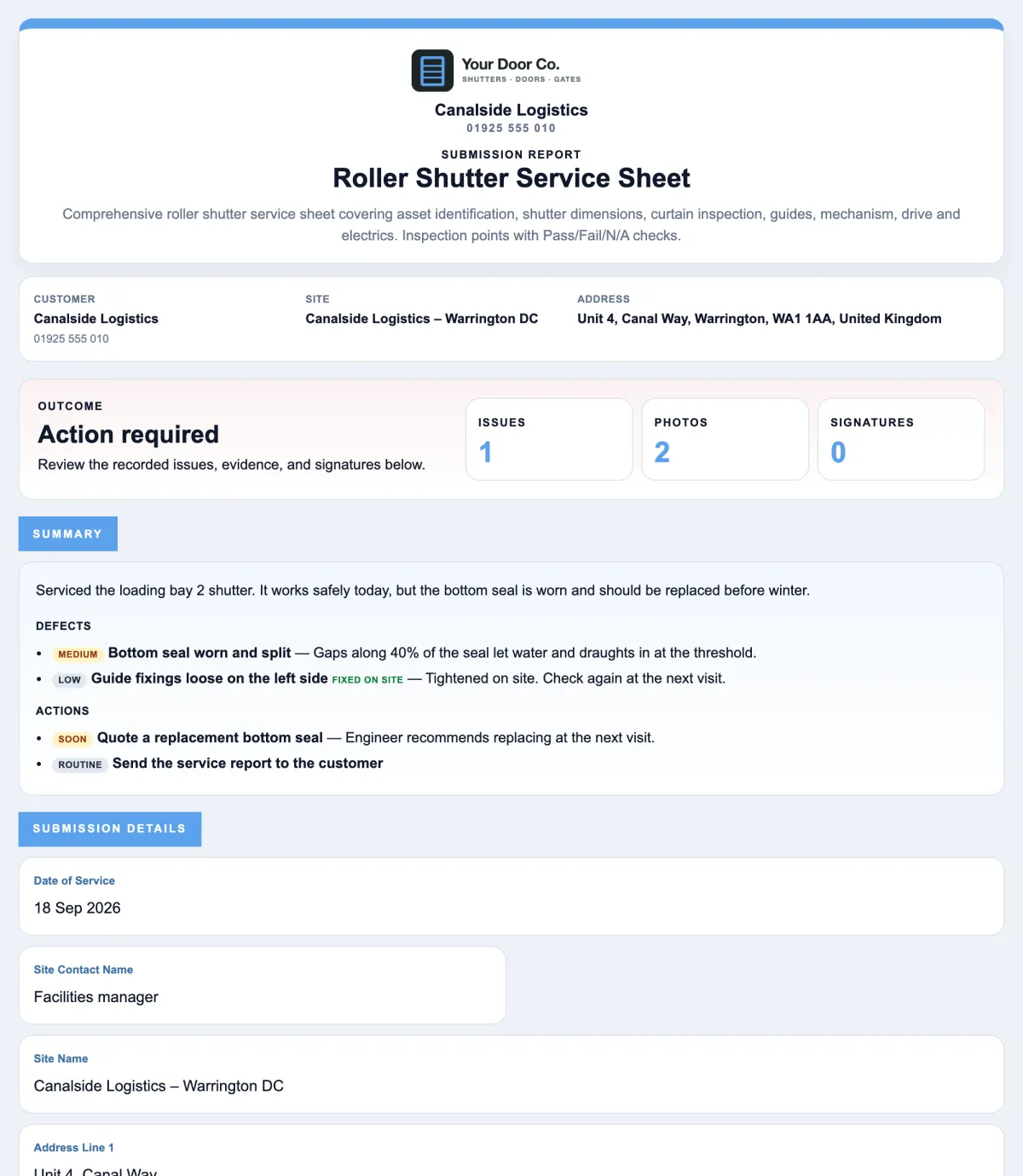
The reviewed summary opens the branded report, above the full answers, so the customer sees what matters first.
Why it matters
Door Ops focuses on the live workflow that saves time now: capture the worksheet, review the summary, send the paperwork.
Pull the practical next steps out of long answers before admin opens the whole form.
Quote, revisit, access, safety
Highlight the findings that need faster office action, without hiding the original engineer notes.
Triage before detail
Office staff can refine wording and keep internal comments away from customer paperwork.
Human approval stays in control
No. Door Ops drafts the summary for review. Office staff still check the submission before downloading or emailing a PDF.
Yes. The summary sits above the full submission. The original answers, photos, notes, and signatures remain available.
Reactive callouts, service sheets, works required sheets, and risk assessment forms where the office needs the next action quickly.
Create a Door Ops form from a preset, collect the worksheet from site, review the AI summary, and send a branded PDF. Try Door Ops free for 30 days.