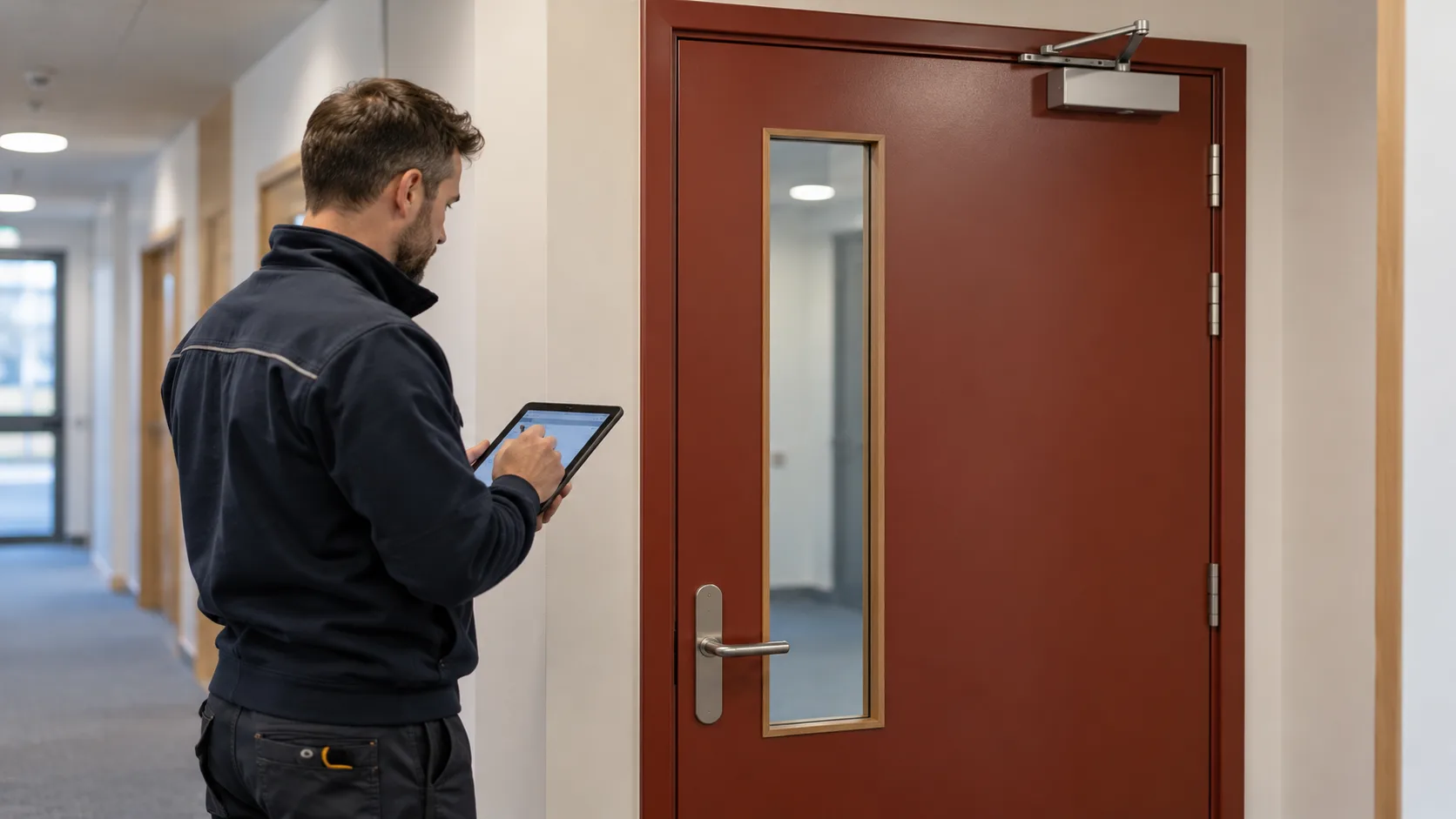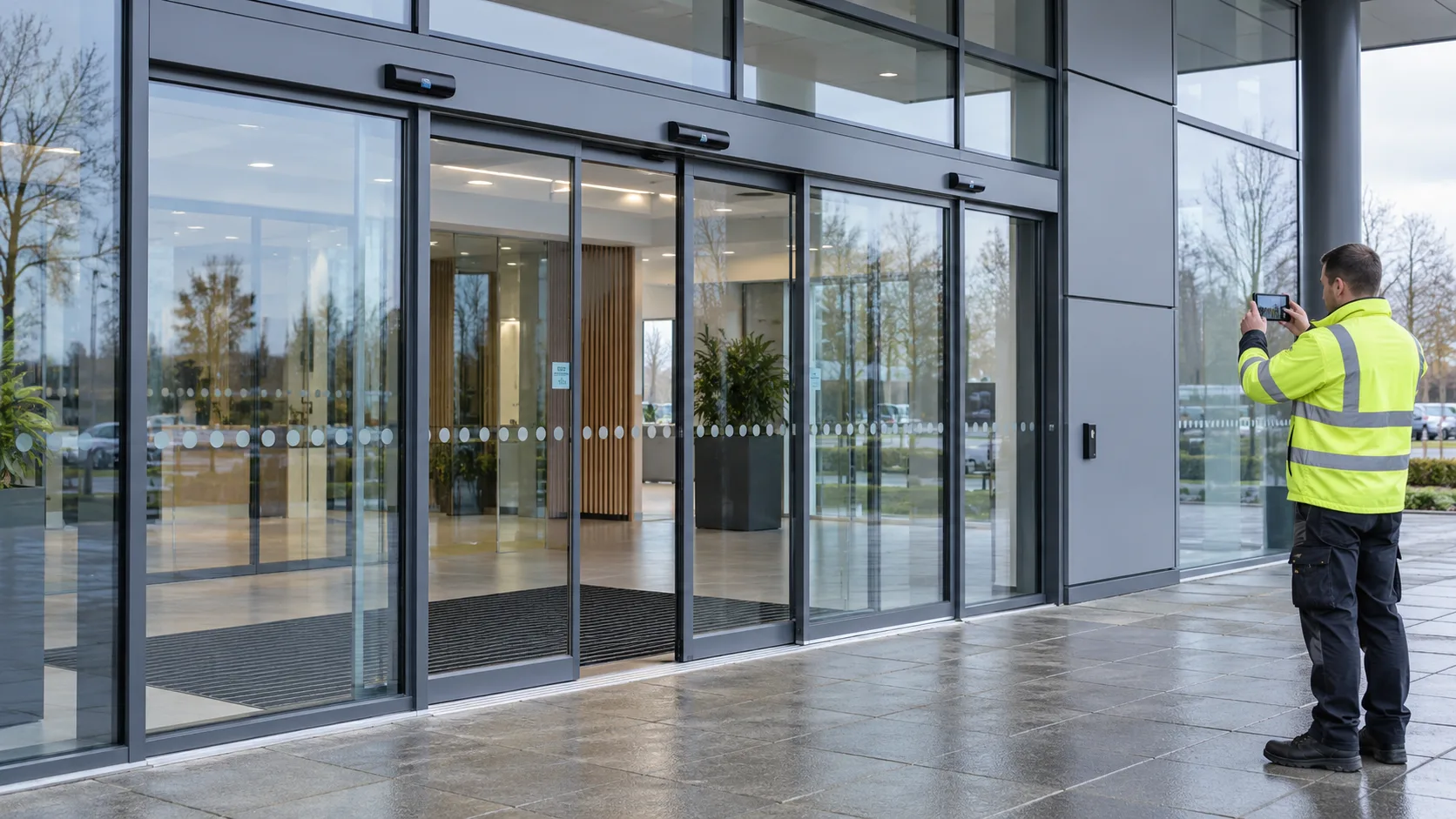
Capture it on site
Give the engineer a focused worksheet. Bring back the photos, findings and signature with the visit.
See the field workflow60 days free beta. No card. No automatic charge. Build better door-company software with us.
Free beta & paid plansBuilt for UK door contractors
Door Ops is job management software for UK door contractors. Worksheets, jobs, scheduling, assets and RAMS for roller shutters, automatic doors, sectional doors and fire doors, so the paperwork comes back with every visit and the office knows what needs doing next.
Core · Plus · Scale · 60-day free beta
Operations / Schedule
DO-1842 · Loading bay door 4
On siteInvestigate damaged bottom seal. Photograph the defect and record the work required.
Trafford Trade Park
Every tierSee the visit, engineer and job status together.
Coming soon on iPhone
Your jobs, site warnings, photos and office updates in a dedicated engineer app. Big, clear actions and saved work for the moments the signal drops.
Submitted to Apple. App Store availability is coming soon.

From site to customer
The work is only half done if the office is still chasing the job sheet. Connect the three steps that finish every visit.

Give the engineer a focused worksheet. Bring back the photos, findings and signature with the visit.
See the field workflowSee what needs attention, check the original evidence and keep internal notes out of customer paperwork.
See office reviewTurn the reviewed return into a branded PDF. Give the customer a clear account of what happened.
Explore branded PDFsReview queue
Internal Only
Customer mentioned door noisy for a while. Bracket loose previously. Keep an eye on guide on left.
Customer notes
Replaced near-side spring, balanced door, tested 3 cycles. Door operating correctly at time of visit.
Photos

+2Signed by A. Customer
Every tierCheck the evidence and customer wording before paperwork leaves the office.
A useful second pair of eyes
Door Ops summarises submitted worksheets so your office can spot defects, quote requests and follow-up work. The original answers stay available for review.
In beta. Built with you.
Eligible new companies can start with lower founder seat rates while we build Door Ops with early customers. Core, Plus and Scale include the same operational tools, with allowances to suit your workload.
Door Ops Core
The full operational product with your starting monthly allowances.
Free beta & paid plansDoor Ops Plus
More included AI credits and subcontractor jobs, with the same seat rates.
Free beta & paid plansDoor Ops Scale
Our largest included allowances for teams handling more documents and external jobs.
Free beta & paid plans
Built around door work
The door type, the site warnings, the last visit, the outstanding defect. Door Ops keeps the context close to the work, so the next engineer can pick up where the last one finished.
No. Start with shareable worksheet links, office review and branded PDFs alongside your current system. Jobs, scheduling and the wider operational tools are included on every tier when you are ready to use them.
Yes. The responsive web form opens from a secure link. Engineers can record answers, photos and signatures without navigating the office system.
The AI summary is a review aid. Your office checks the original answers and wording, then decides what to send.
Start with a 60-day free beta of the operational product. Core, Plus and Scale share the same features, with different monthly usage allowances. Choose your tier and pay in Stripe after beta ends to continue. Nothing is charged automatically.
Try Door Ops free for 60 days. Create a form, collect a field return and see the difference in your own office.