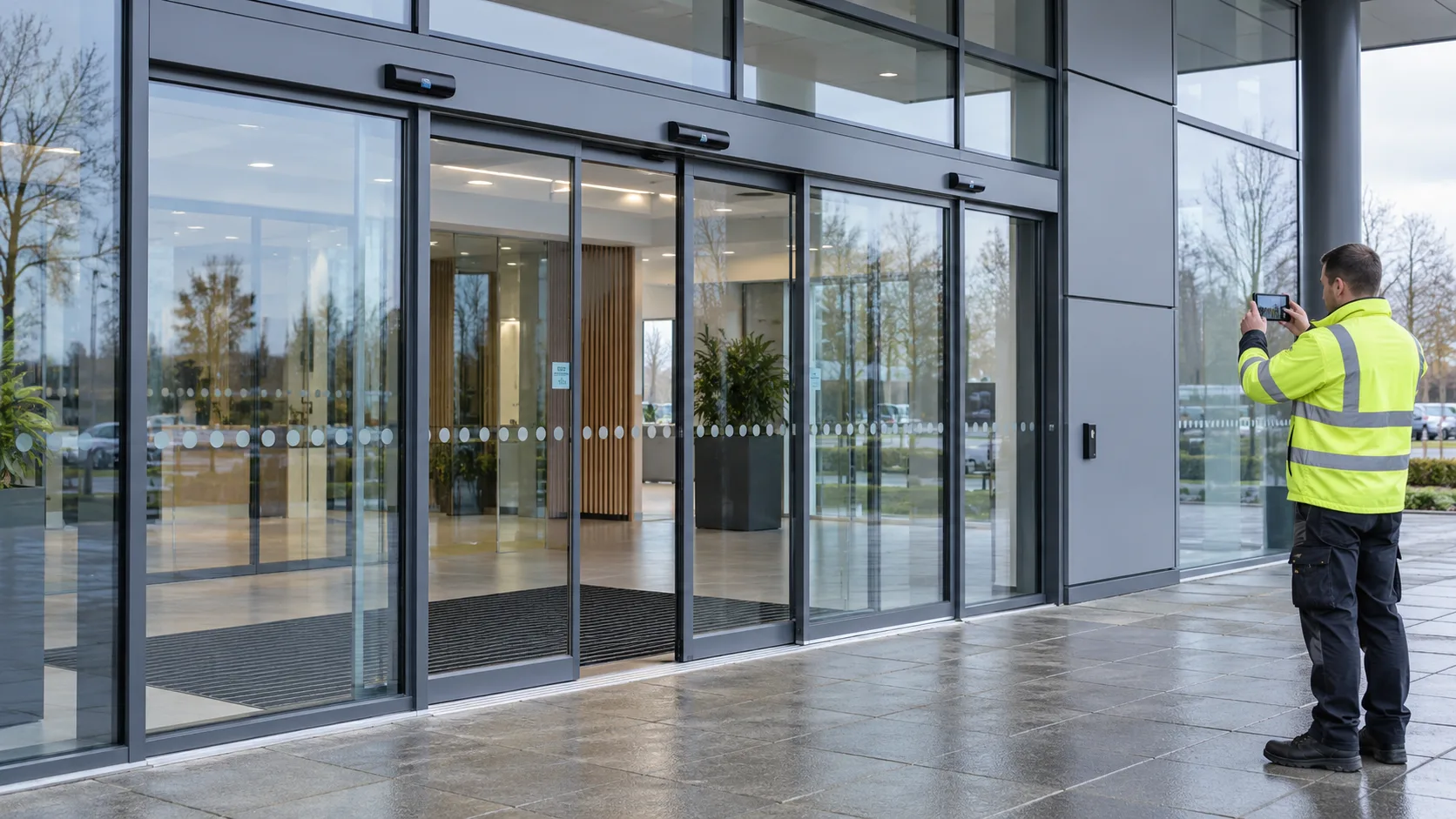
Automatic sliding doors
Pedestrian entrances, sensors and operating checks.
Try Door Ops free. No card. No automatic charge. Build better door-company software with us.
Free beta & paid plansDoor types
Door Ops is job and paperwork software for UK door contractors. It has preset service sheets for fire doors, automatic doors, roller shutters, sectional doors, gates and barriers, so engineers record the right checks on site and the office sends a branded PDF after review.
Built around door work
Keep the right checks, photos and history with the doors you work on. Explore the guides for specialist sheets and requirements.
Pedestrian entrances, sensors and operating checks.

Curtains, guides, drives and safety edges.
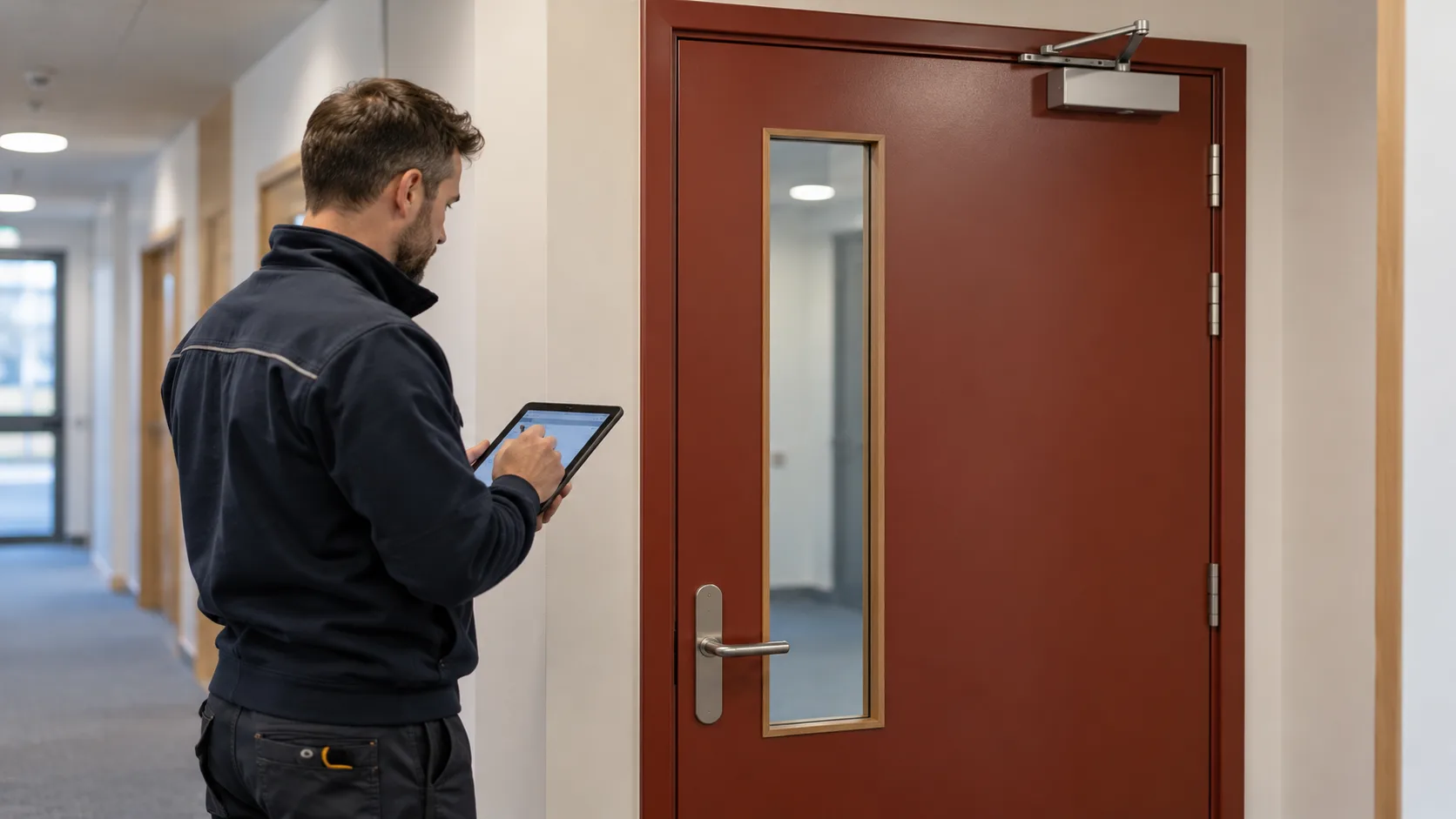
Inspection findings, photos and door history.
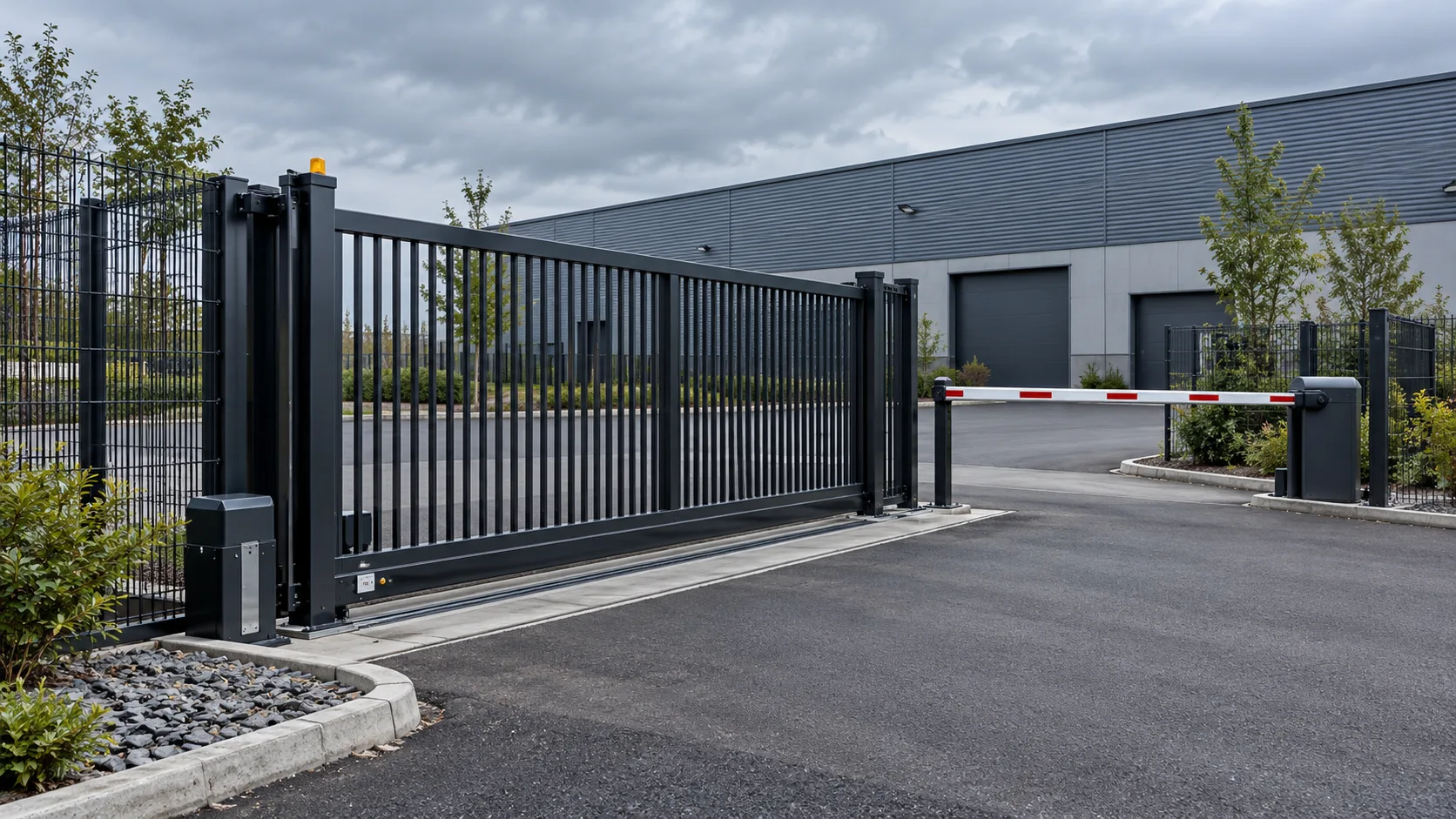
Access equipment, safety checks and follow-up work.
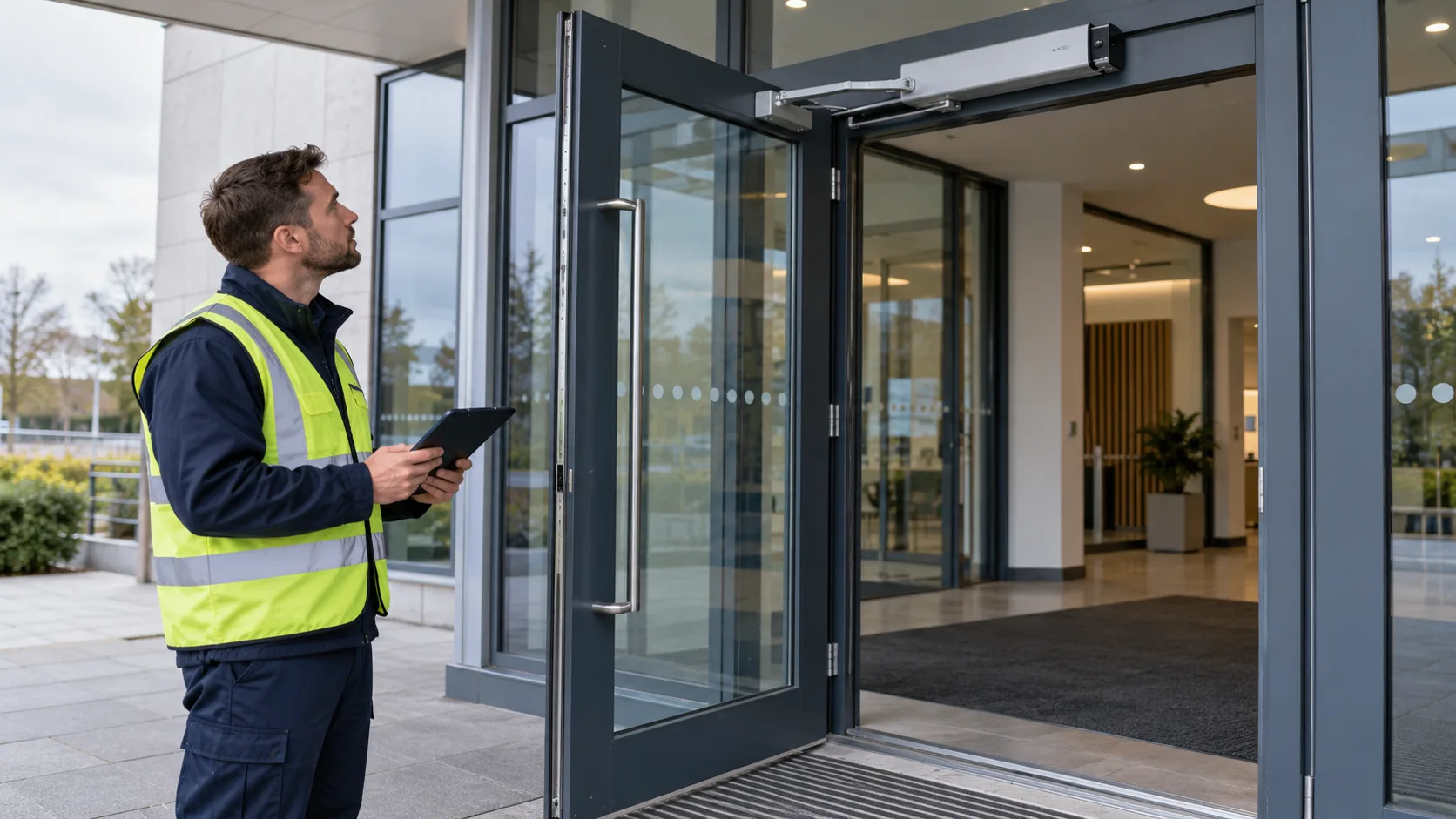
Powered operators, hinges and pedestrian access.

Panels, tracks and the details of each visit.

Entrance repairs, glazing context and site evidence.
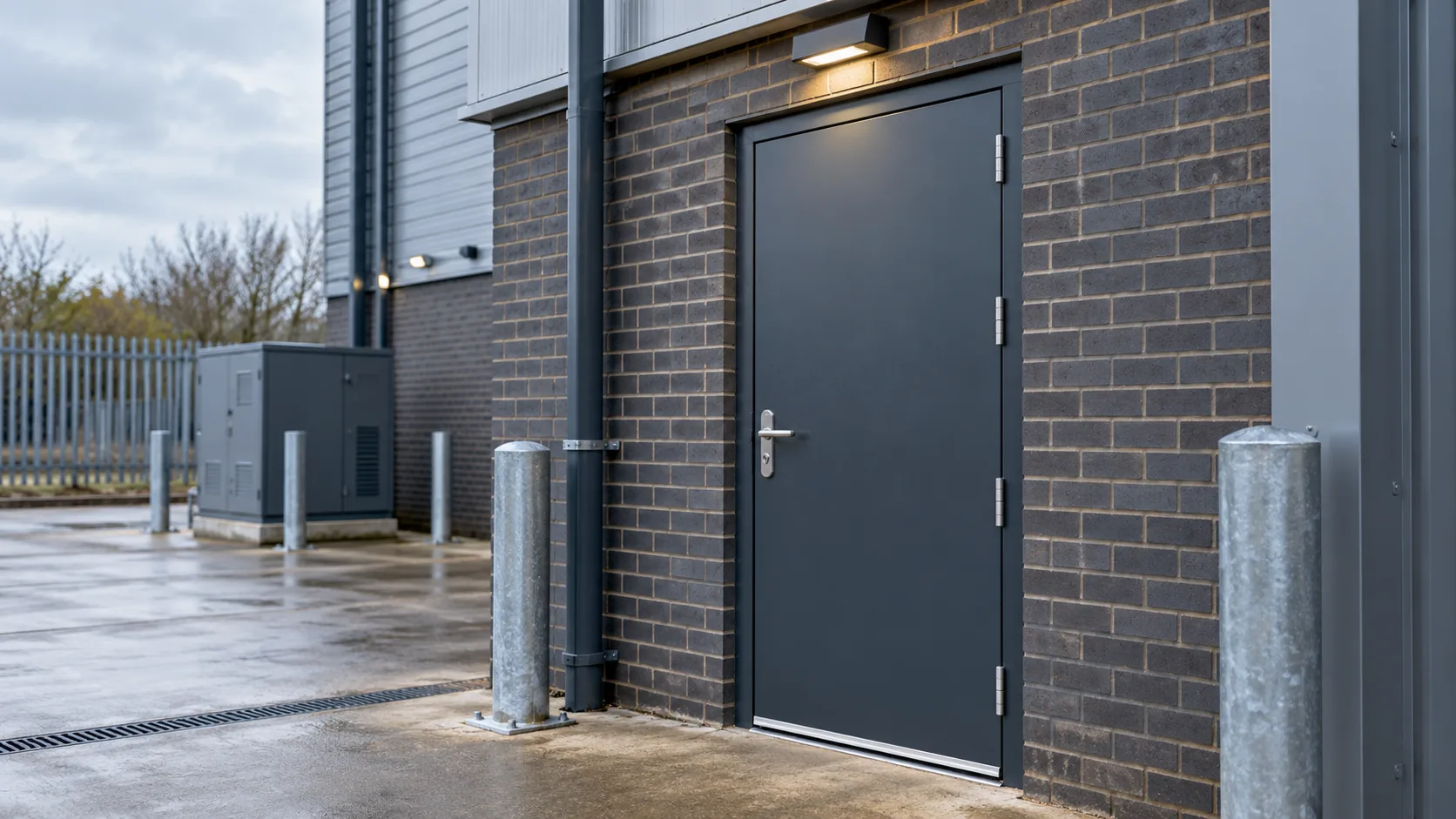
Door condition, hardware and repair records.

Curtains, controls and service findings.

Dock equipment, defects and maintenance history.
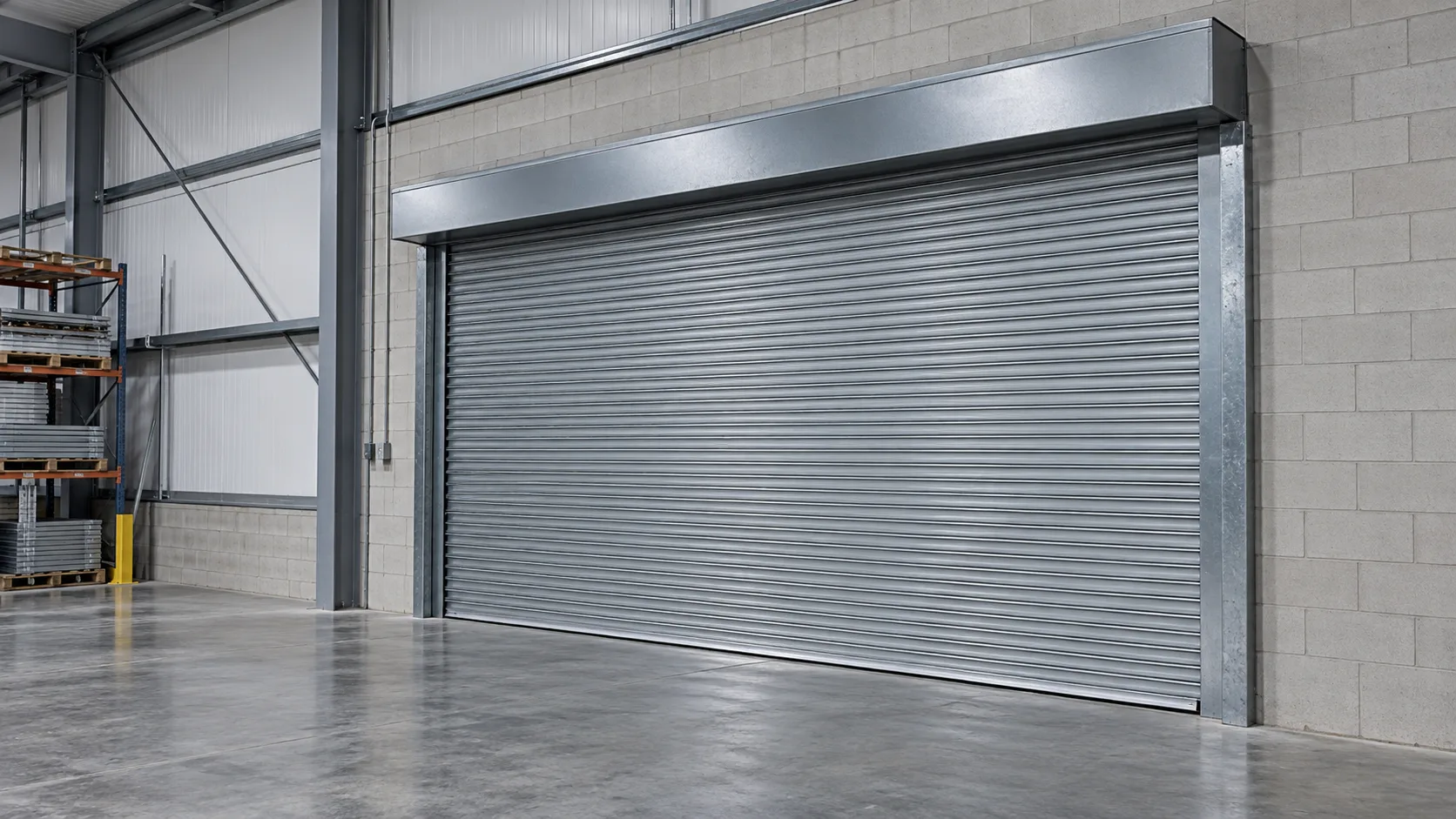
Record the equipment, checks and work carried out.
Illustrative site imagery. Keep the checks, photos and next action with each visit.
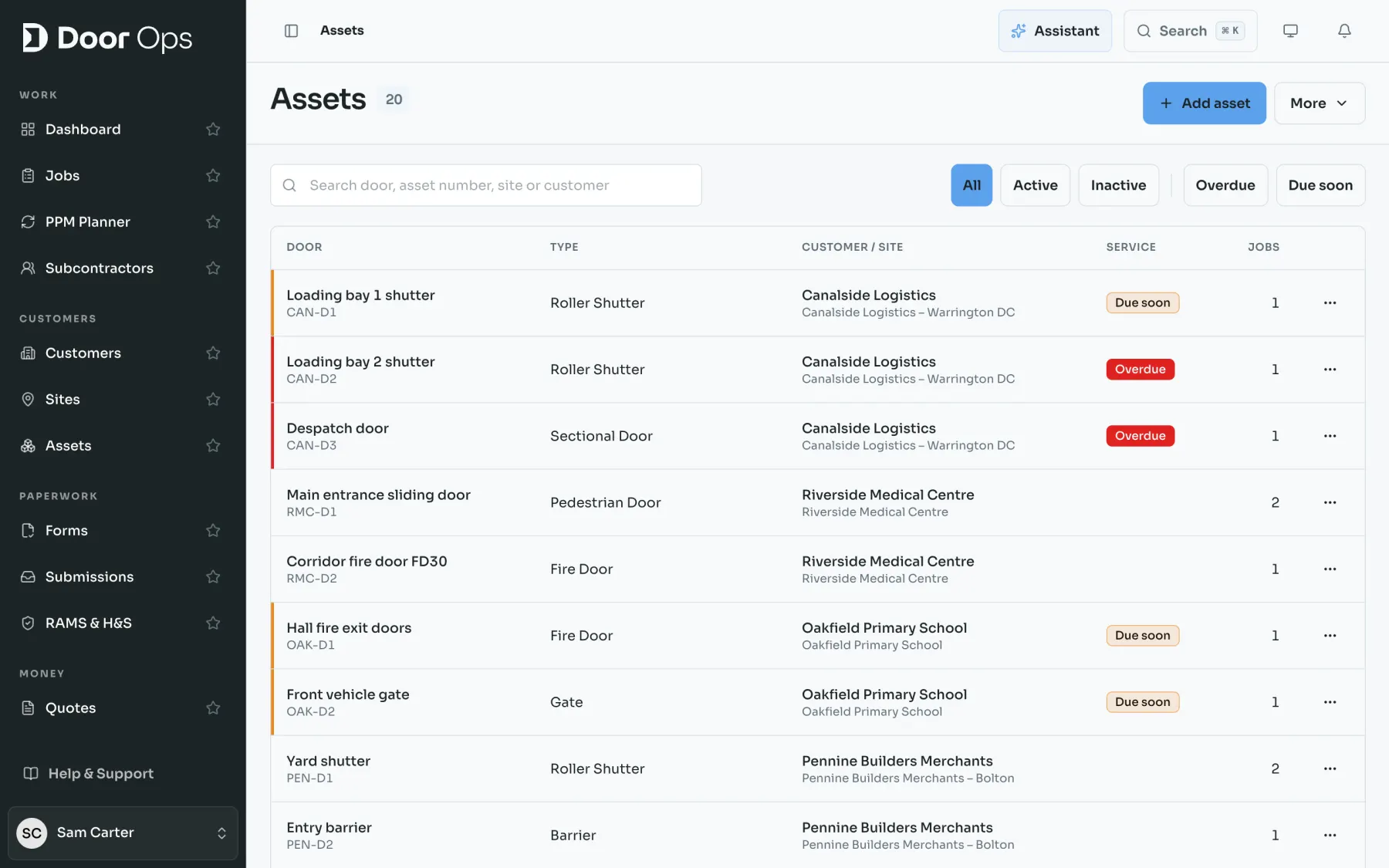
See how assets, planned maintenance and jobs fit together in a sample door company.
Guides by door type
Each guide names the regulations and standards that apply, with sources, and shows which Door Ops sheet covers the work.
BS 8214:2026 inspection sheets, quarterly communal checks and a certificate per door.
BS EN 16005 risk assessments with forces, sensor detection and break-out recorded.
Curtain, guides, drive and safety edges on one sheet, with fire shutters covered.
DHF TS 013 and BS EN 12453 sheets with closing forces recorded in newtons.
Your day
From site visit to admin-reviewed professional PDF.
Choose a Door Ops form for the job: service sheet, callout, works required, or risk assessment.
Engineers fill worksheets on their phone. Photos, notes, customer signature. Ready to submit from site.
Door Ops surfaces action items, findings, and urgency before the office reads every answer.
Admin checks the summary, refines wording, then downloads or emails the branded PDF.
Team sizes
Start with better worksheets now and bring the rest of the operation across at your own pace.
You answer the phone, fix the shutter and still have paperwork to finish. Door Ops removes the paper trail first.
Independent contractors
Standardise worksheets, jobs, engineers, scheduling and asset history in one place. Core brings the whole job operation together.
Grow without rekeying
Run jobs, teams, sites, assets, RAMS, subcontractors and commercial workflows in one Door Ops organisation.
The connected operation
Forms and worksheets are written around the jobs reactive door teams complete every week.
Turn rough site notes into professional branded PDFs after admin review.

Try it on your next real job. 30 days free with no card or automatic charge. Choose a paid plan when your trial ends.
Prefer working from your assistant? See how it connects to Door Ops.