
Know your next job
Open your assigned jobs, see the visit details and move through travel, on site and done with clear actions.
Try Door Ops free. No card. No automatic charge. Build better door-company software with us.
Free beta & paid plansDoor Ops Engineer · iPhone and Android
Dedicated apps for door engineers. See the next job, check the site warnings, capture the work and keep the office in the loop.
Download for iPhone from the App Store or for Android from Google Play. Both apps are free to download.
You will need a Door Ops account with engineer access from your company. Existing browser worksheets remain available.
Already testing? Keep updating through TestFlight or your Google Play tester link to stay on the latest test build.
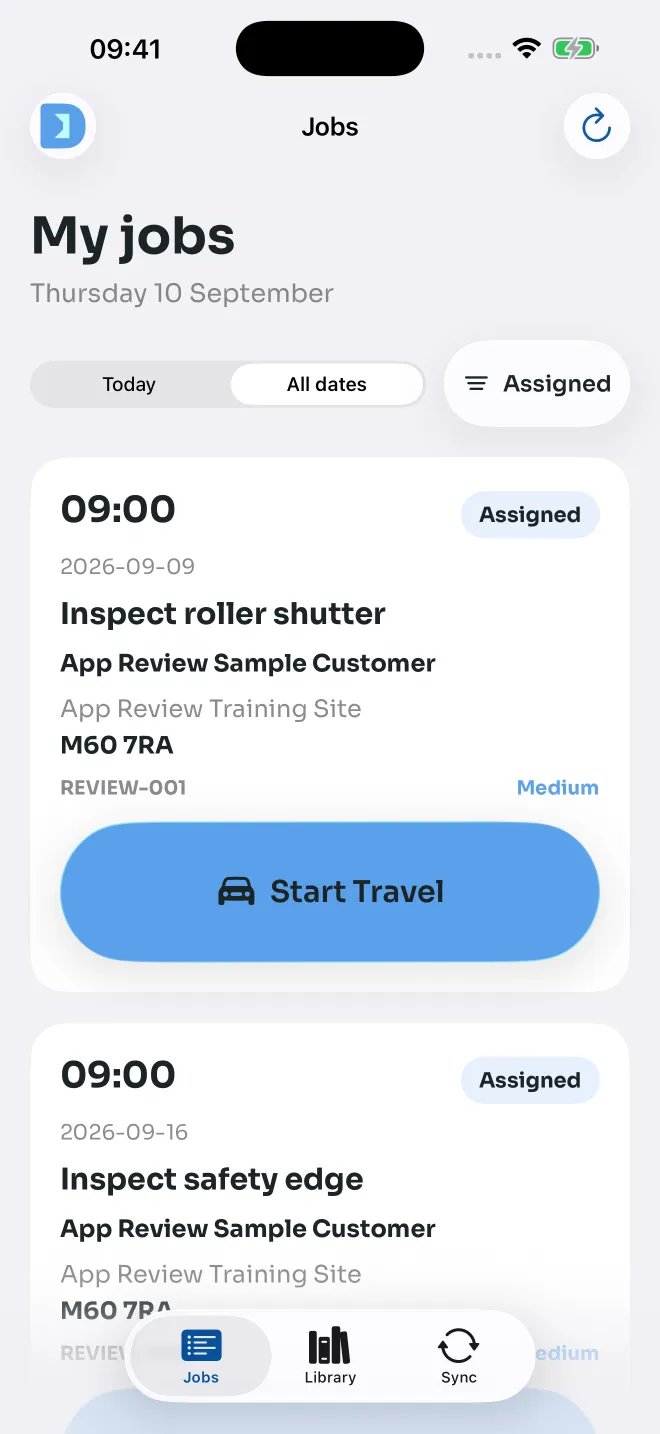
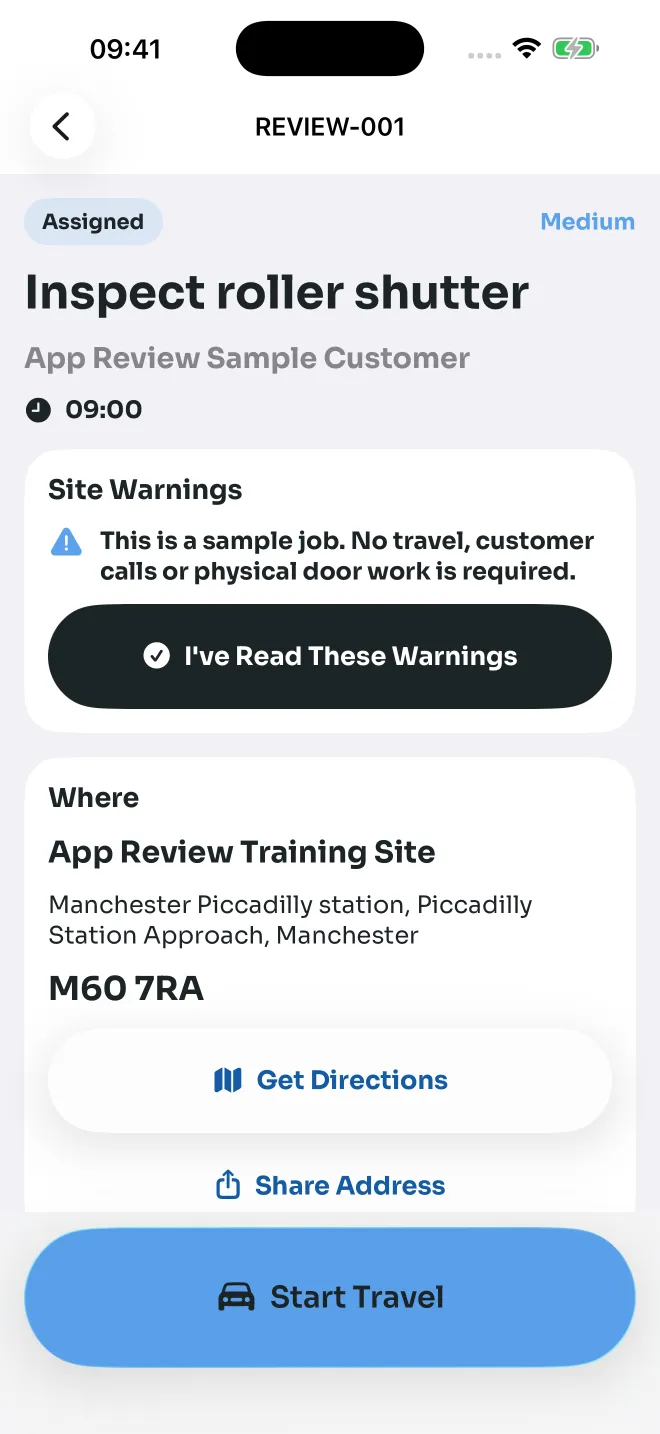
iPhone app screenshots. Sample jobs shown.
Built for the field
Open your assigned jobs, see the visit details and move through travel, on site and done with clear actions.
Read important site instructions before starting work. Keep the contact and job information close to hand.
Open directions and choose to share your journey for the visit so the office and customer can see your progress.
Capture job photos, fill in the required paperwork and record signatures from the same app.
Open saved jobs and keep supported forms and photos on the phone. Pending work syncs when a connection is available.
Read job changes and office instructions in Updates. Acknowledge actionable messages so the office knows you have seen them.
Yes. Download the iPhone app from the App Store or the Android app from Google Play using the links above. You need engineer access from your company before you can sign in.
Yes. The Android app is available on Google Play for phones running Android 8.0 or later. Existing secure browser worksheet links remain available.
Yes. Your company needs to give you engineer access to its Door Ops organisation. The app shows the work assigned to you.
Previously saved jobs remain available. Supported forms, photos and acknowledgements are saved on the phone and retried when you reconnect. New jobs and live information need a connection.
No. Only actionable or urgent updates need an explicit acknowledgement. It tells the office you have seen the message; it does not accept a job or mark a task as completed. Phone alerts are optional and require notification permission.