
Shareable worksheet links
Send a secure link so an engineer or subcontractor can complete the right worksheet without needing an office account.
Built for field completion
Try Door Ops free. No card. No automatic charge. Build better door-company software with us.
Free beta & paid plansThe Door Ops product
Jobs, worksheets and customer paperwork belong together. Start with the field return, or bring the whole operation into one place.
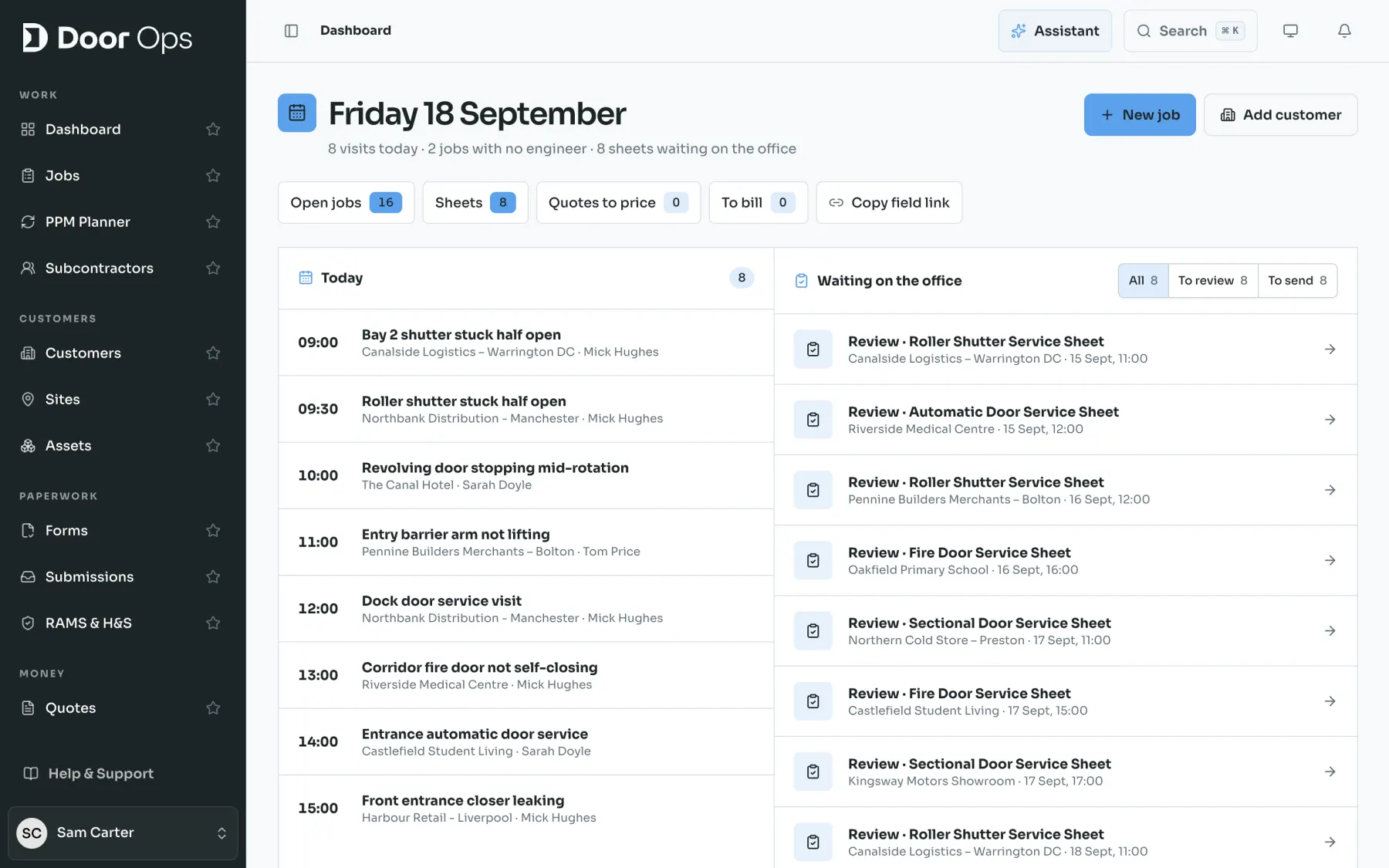
Follow the work
Explore the steps between an engineer arriving on site and your customer receiving a complete record.
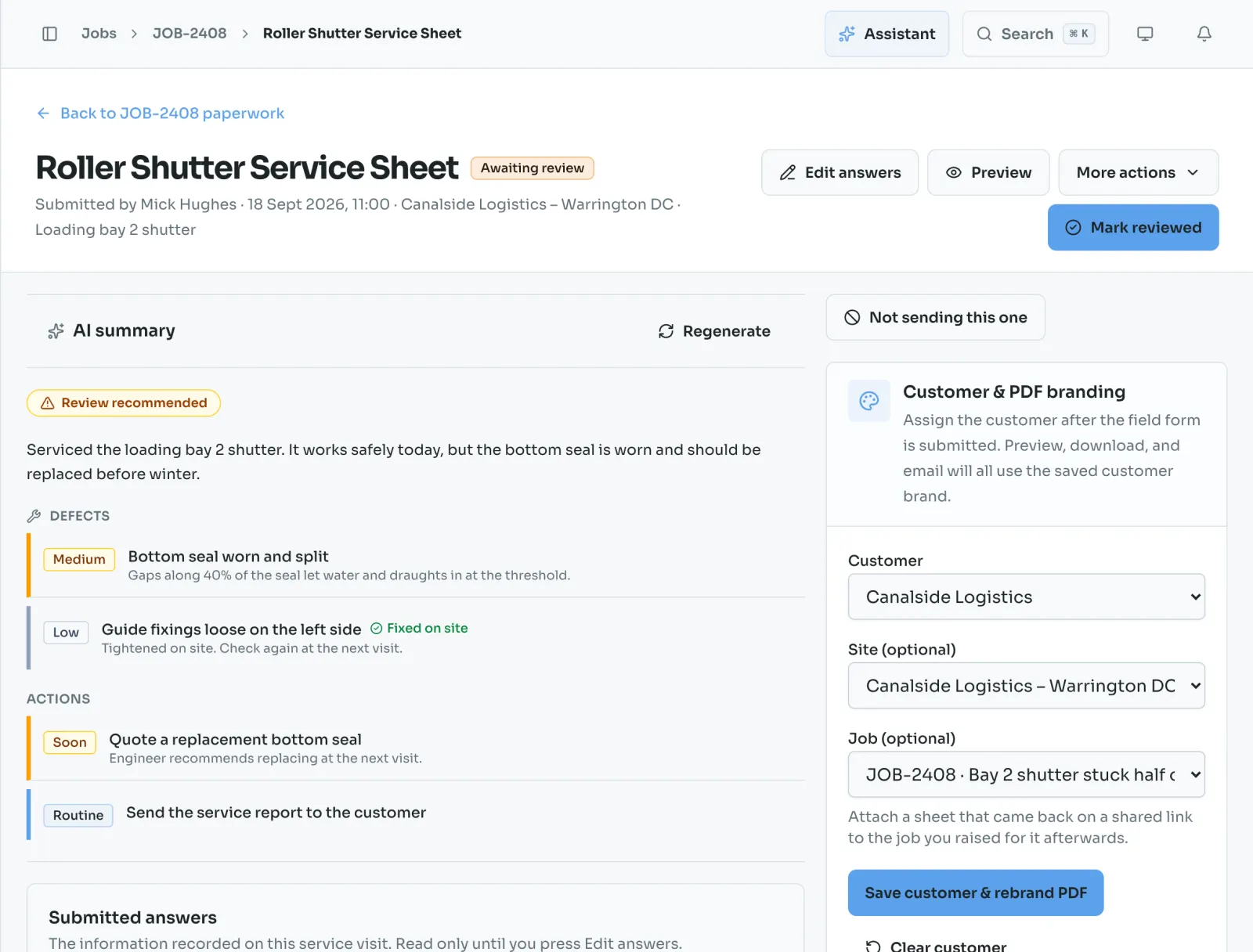
Surface the action items, findings, and urgency before admin reads every answer.
Take a closer lookCapture the full visit from site with shareable links, photos, notes, signatures and saved progress.
Take a closer lookSeparate internal notes, refine wording, and control customer paperwork before sending.
Take a closer lookTurn reviewed submissions into professional customer PDFs with your company details.
Take a closer lookComing soon on iPhone
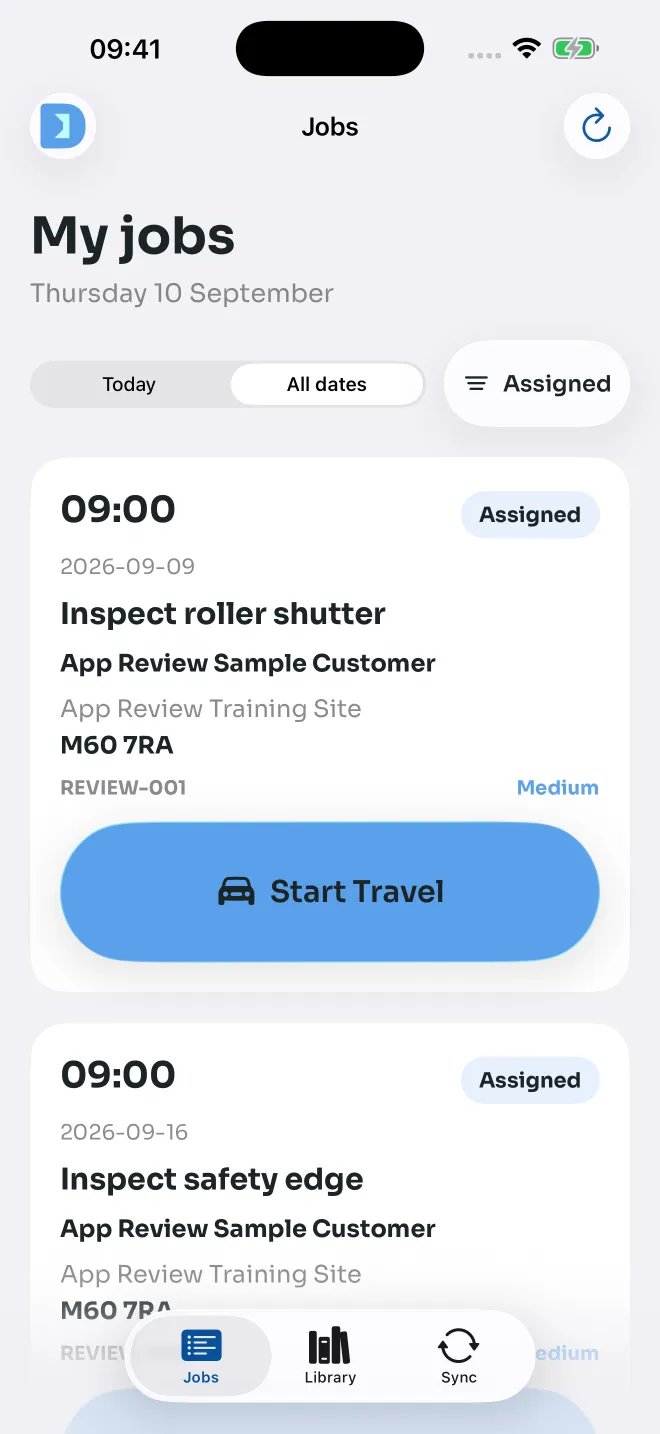
Your jobs, site warnings, photos and office updates in a dedicated engineer app. Big, clear actions and saved work for the moments the signal drops.
Submitted to Apple. App Store availability is coming soon.

Included on every tier
Collect complete field paperwork, from the first shared link to the reviewed customer PDF. Available from Lite; custom forms and advanced workflows start at Core.
Send a secure link so an engineer or subcontractor can complete the right worksheet without needing an office account.
Built for field completion
Review every submission before it goes to the customer. Fix wording and keep internal notes separate from customer-facing notes.
Review before sharing
Start from service sheets, reactive callouts, works required sheets and dynamic site risk assessments made for door work.
Door Ops presets included
Every PDF sent to customers carries your logo, company details, and a clean professional layout.
Customer-ready output
Give office or admin staff their own simultaneous login to create customers, send links and action returns.
Included on every tier
Keep the customer details and branding needed to turn each completed worksheet into the right customer record.
Ready for a future upgrade
Door Ops drafts a defect summary from the submitted worksheet so admin can review faster before sending paperwork.
On Core and Plus
Track submissions, edits, review status, and sent status so office staff can answer customer questions quickly.
History stays attached
On Core and Plus
Jobs, dispatch, engineers, scheduling, sites, assets, PPM, RAMS, subcontractors, customer portal, finance and reporting.
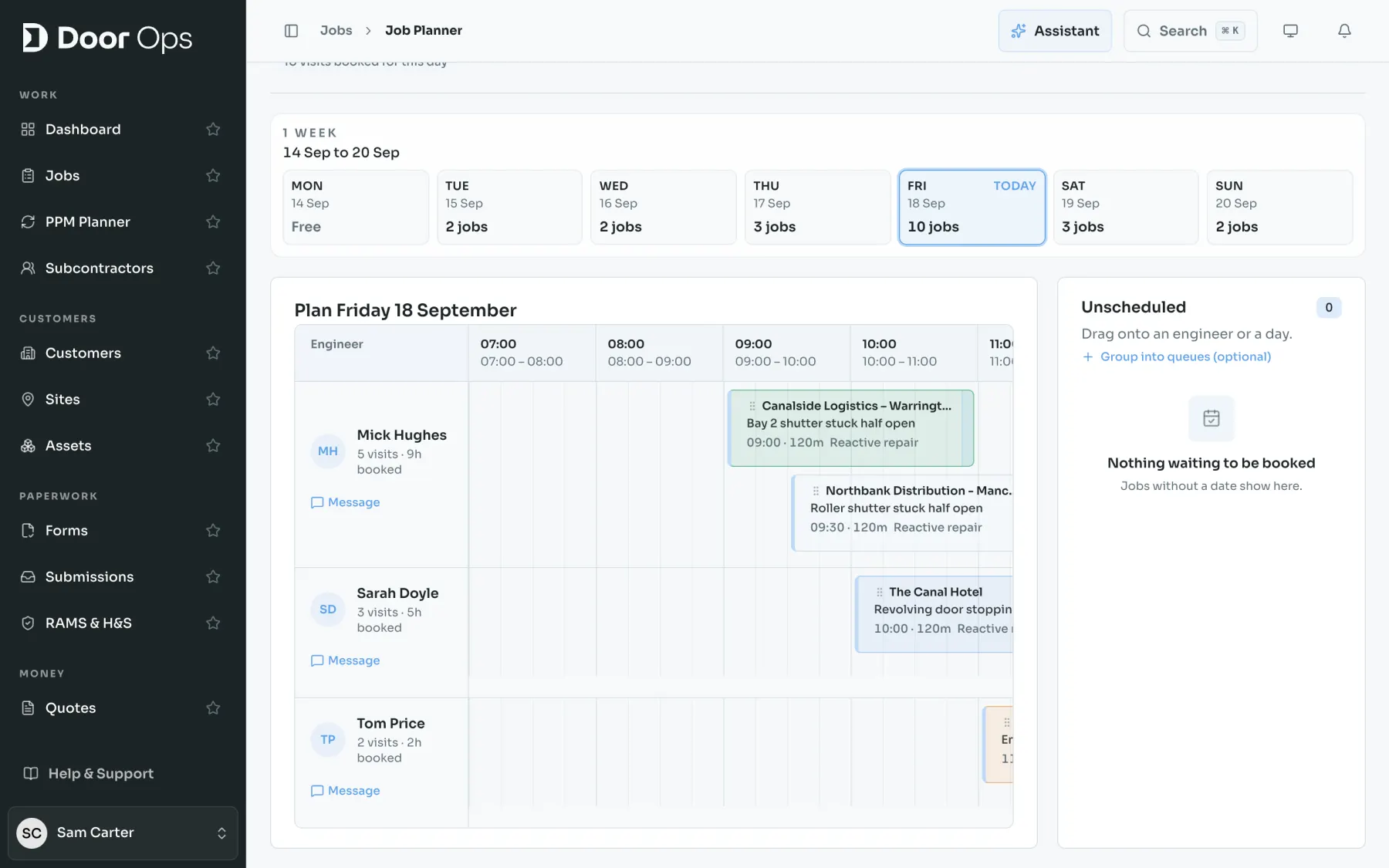
Raise the job, carry the reported issue through, assign the right engineer and keep every field record against it.
One operational record
Plan visits, handle assignment changes and give engineers a focused mobile job list with site warnings and required paperwork.
Office and field stay aligned
Build the service history around the actual door, track planned work and keep the next visit informed by what happened before.
Door history that lasts
Prepare job-linked RAMS, risk assessments and safety records with review-first AI assistance where it is included.
AI assistance on Core
Send one secure job link, capture the canonical worksheet and keep the subcontractor record connected to the hiring company.
No duplicate paperwork
Move from defect evidence to the commercial follow-up with quotes, invoices, purchase orders, pricing and job costs.
From action to value
Allocate parts, record time and costs, and keep the operational detail close to the job that consumed it.
Better margin visibility
Use operational reports, provider integrations, automations and role-scoped agent access around the same tenant data.
Built to connect
One handover, two views
Give people the detail they need for their part of the job. Keep the full source record connected.
Try the full workflow with your next job, then choose the allowance that fits your field and office team.