
Branded layout
Customer PDFs include your company details and a clean worksheet format.
Professional by default
Try Door Ops free. No card. No automatic charge. Build better door-company software with us.
Free beta & paid plansBranded PDFs
Replace scanned job sheets and messy follow-up notes with reviewed PDFs carrying your branding, job details, photos, and signatures.
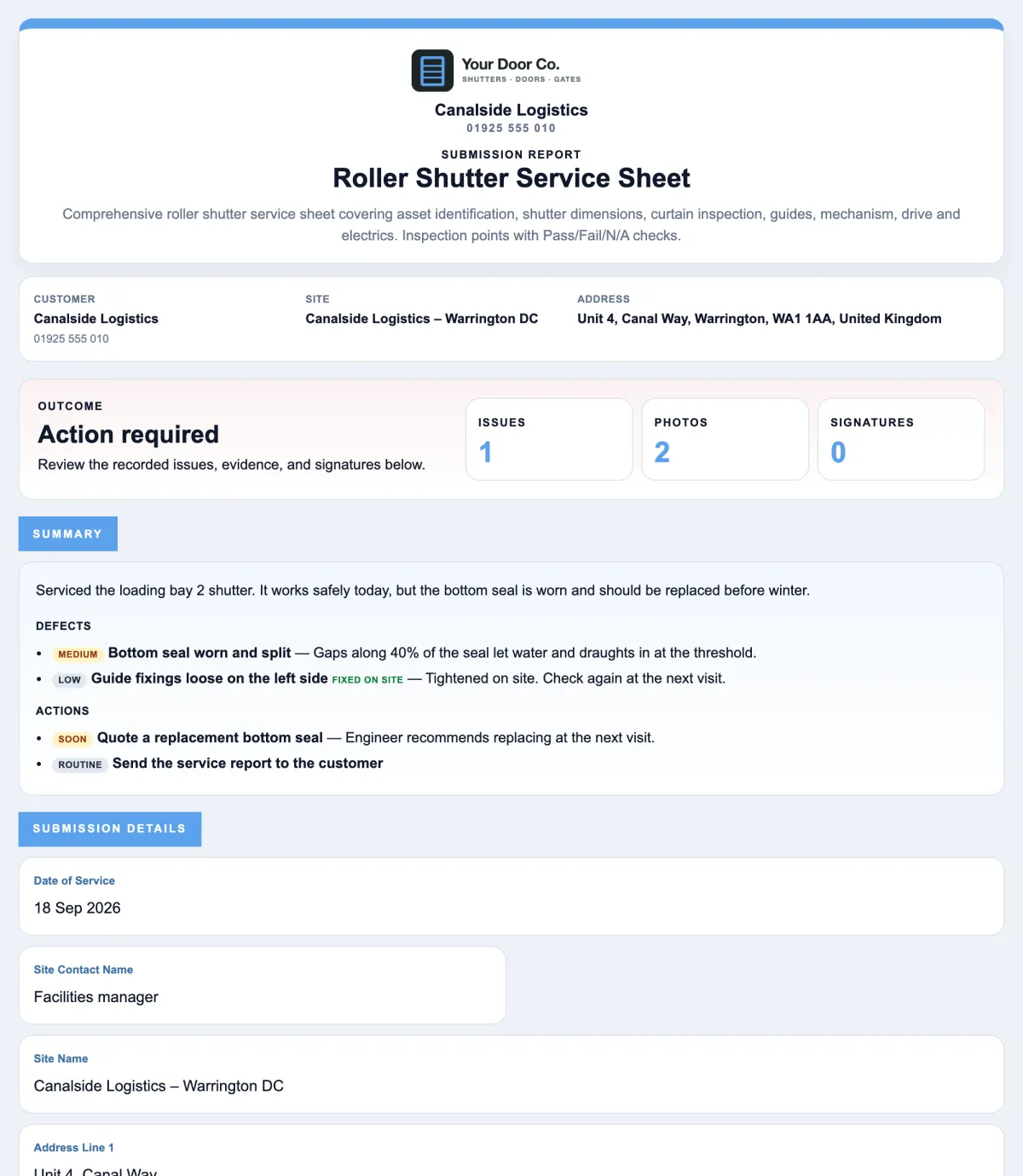
How it works
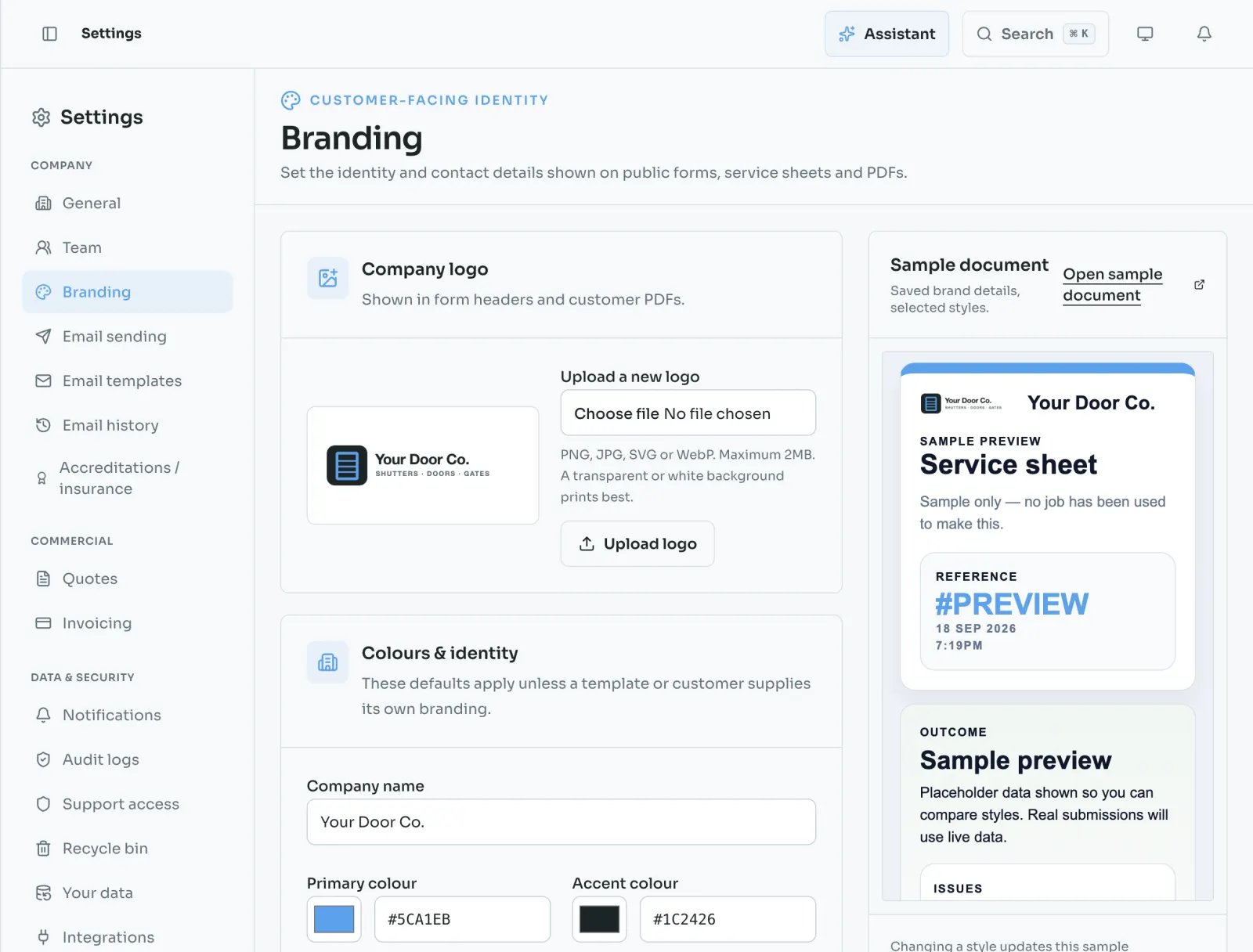
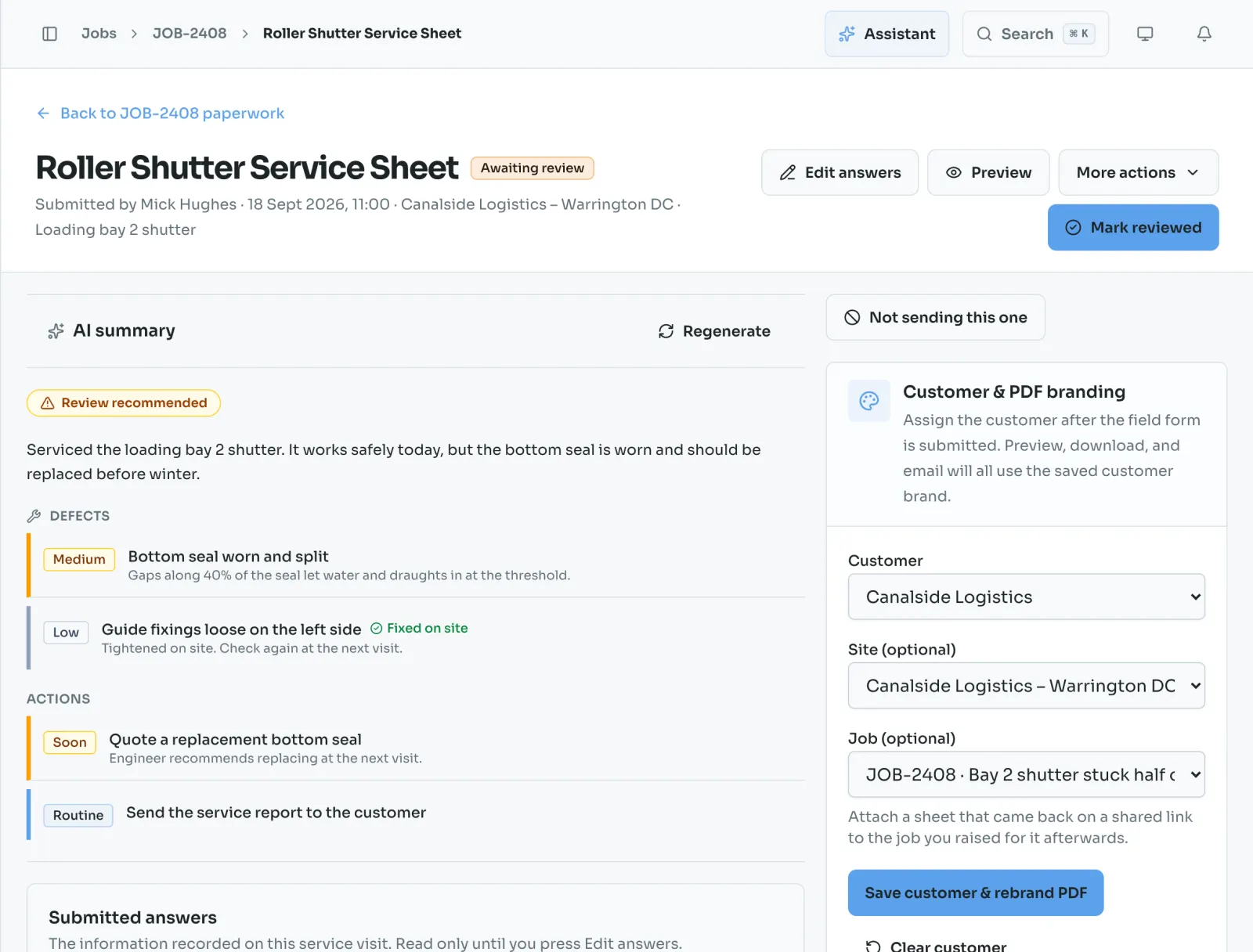
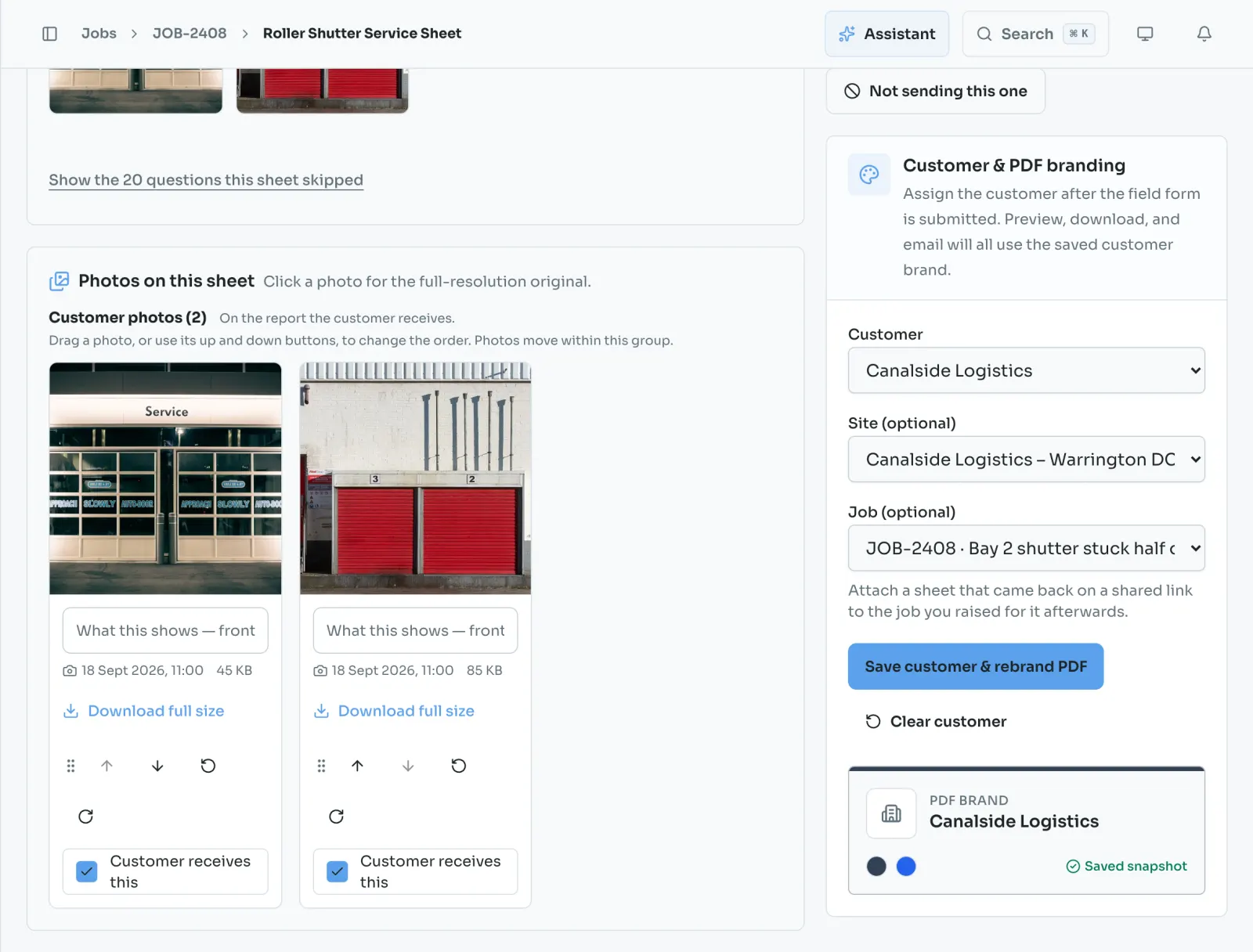
Real Door Ops screens from a sample door company. Branded PDFs are on every plan; customer-specific branding is on Core.
Upload your logo, pick your colours and check a live sample report before any customer sees one.
Assign the customer and site when the sheet comes back. The report picks up their details, and their own branding if you hold it.
Tick the photos that belong on the customer report and put them in order. The rest stay internal.
See exactly what the customer will get, then download the PDF or email it from Door Ops.
Why it matters
Door Ops focuses on the live workflow that saves time now: capture the worksheet, review the summary, send the paperwork.
Customer PDFs include your company details and a clean worksheet format.
Professional by default
Photos, signatures, and reviewed notes stay attached to the finished job record.
Clearer customer proof
Send the reviewed PDF from the office once the submission is ready.
After review
Yes. The review workflow is designed to keep internal notes separate and customer notes clean.
Yes. Door Ops uses your company details and branding for customer-facing worksheet PDFs.
Yes. Branded PDFs are part of the live Door Ops workflow.
Create a Door Ops form from a preset, collect the worksheet from site, review the AI summary, and send a branded PDF. Try Door Ops free for 30 days.