Door Ops presets included
Start with ready-made service sheet, callout, works required, and dynamic site risk assessment forms.
Preset-led setup
Try Door Ops free. No card. No automatic charge. Build better door-company software with us.
Free beta & paid plansMobile worksheet forms
Create a worksheet from a Door Ops preset, share its secure link, and let engineers complete it on their phone without needing an office account.
How it works
Real Door Ops screens from a sample door company. Included on every plan; the custom form builder is on Core.
Start from a Door Ops sheet for roller shutters, sectional, automatic and fire doors, gates or barriers, or build your own. Copy the engineer link once.
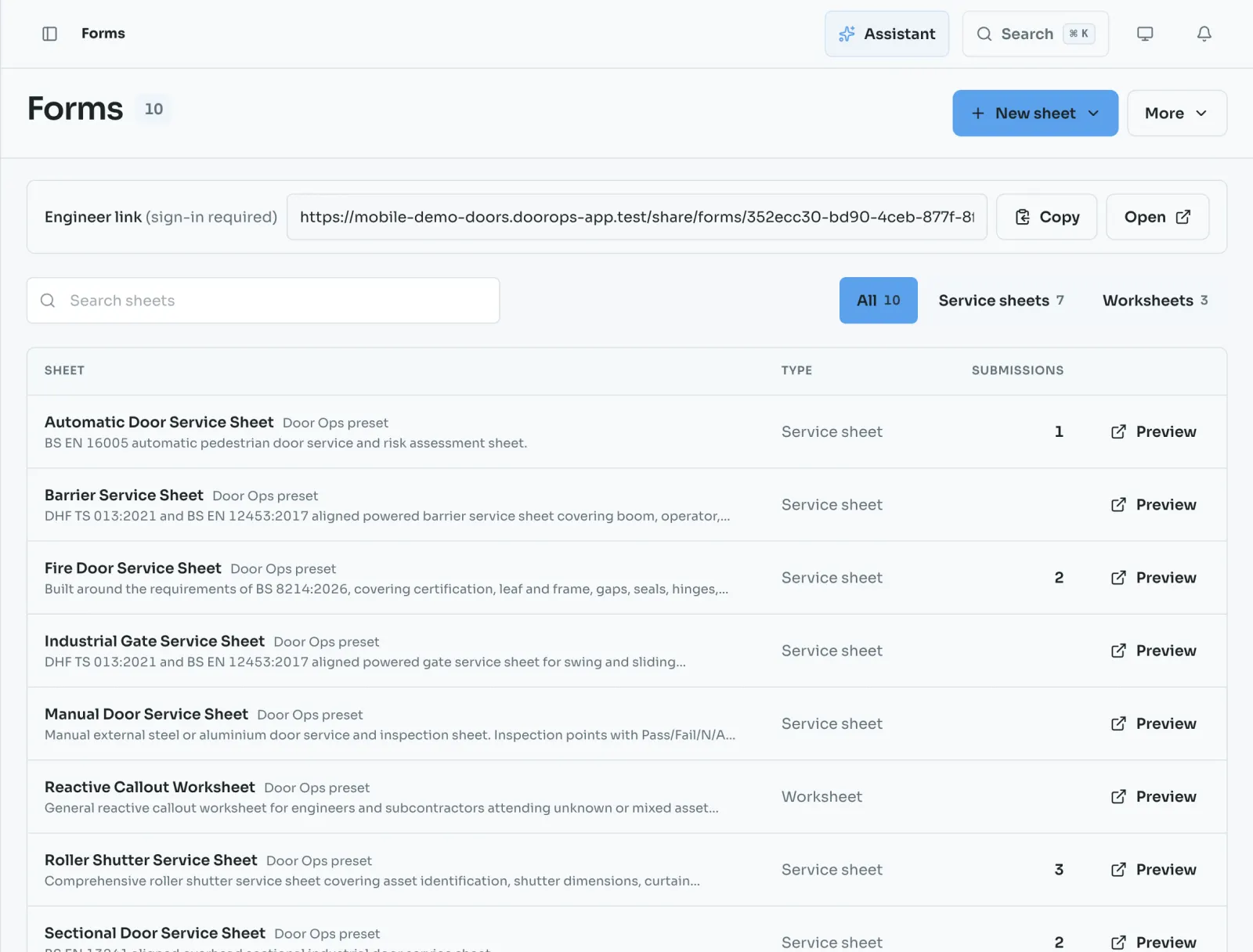
Your engineers sign in and pick the sheet for the job. It runs in the phone’s browser, so there is nothing to install.
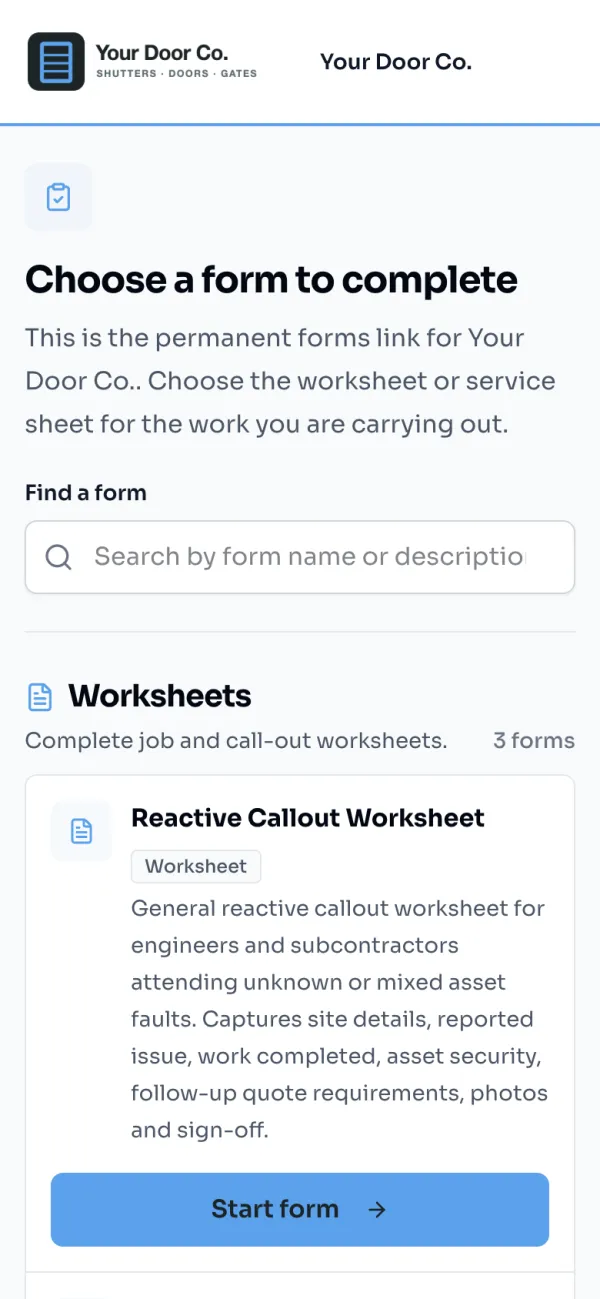
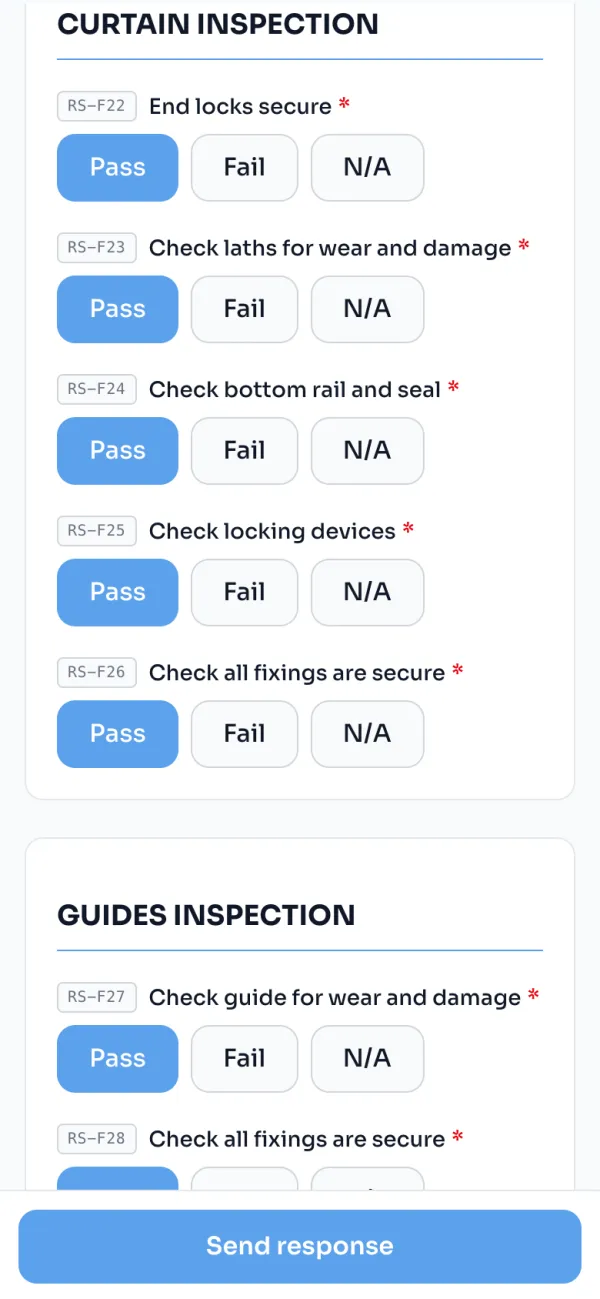
Pass, Fail or N/A on every check, with the required ones marked. A fail asks the engineer why.
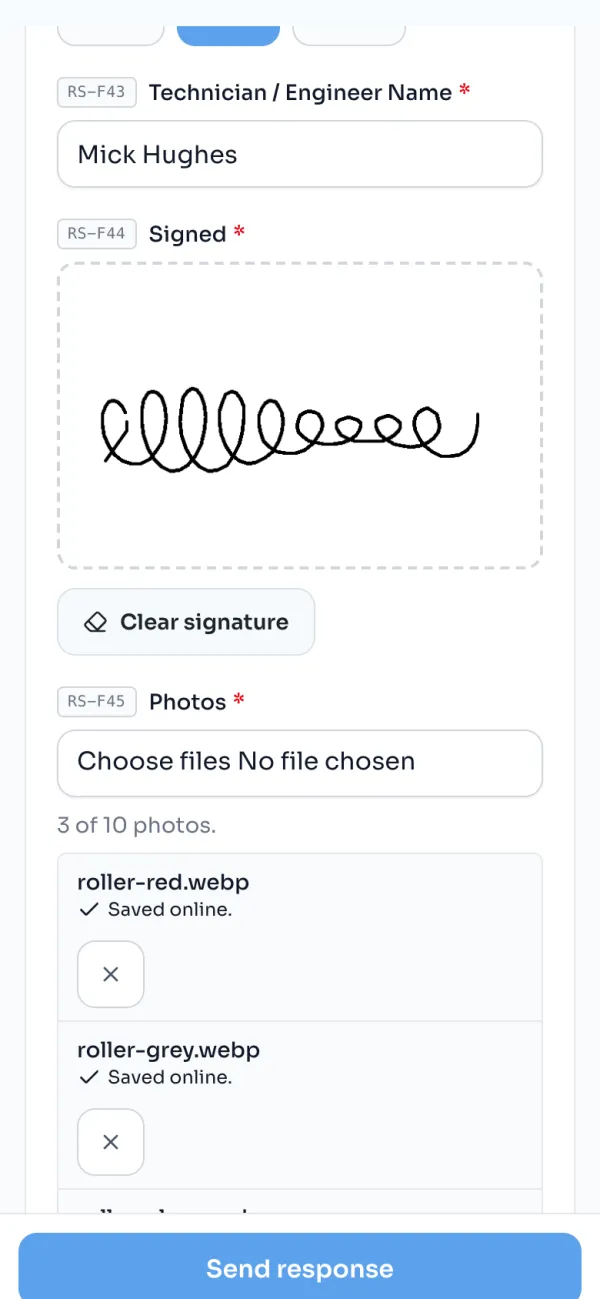
The customer signs on the screen. Photos come straight from the camera and upload as the signal allows.
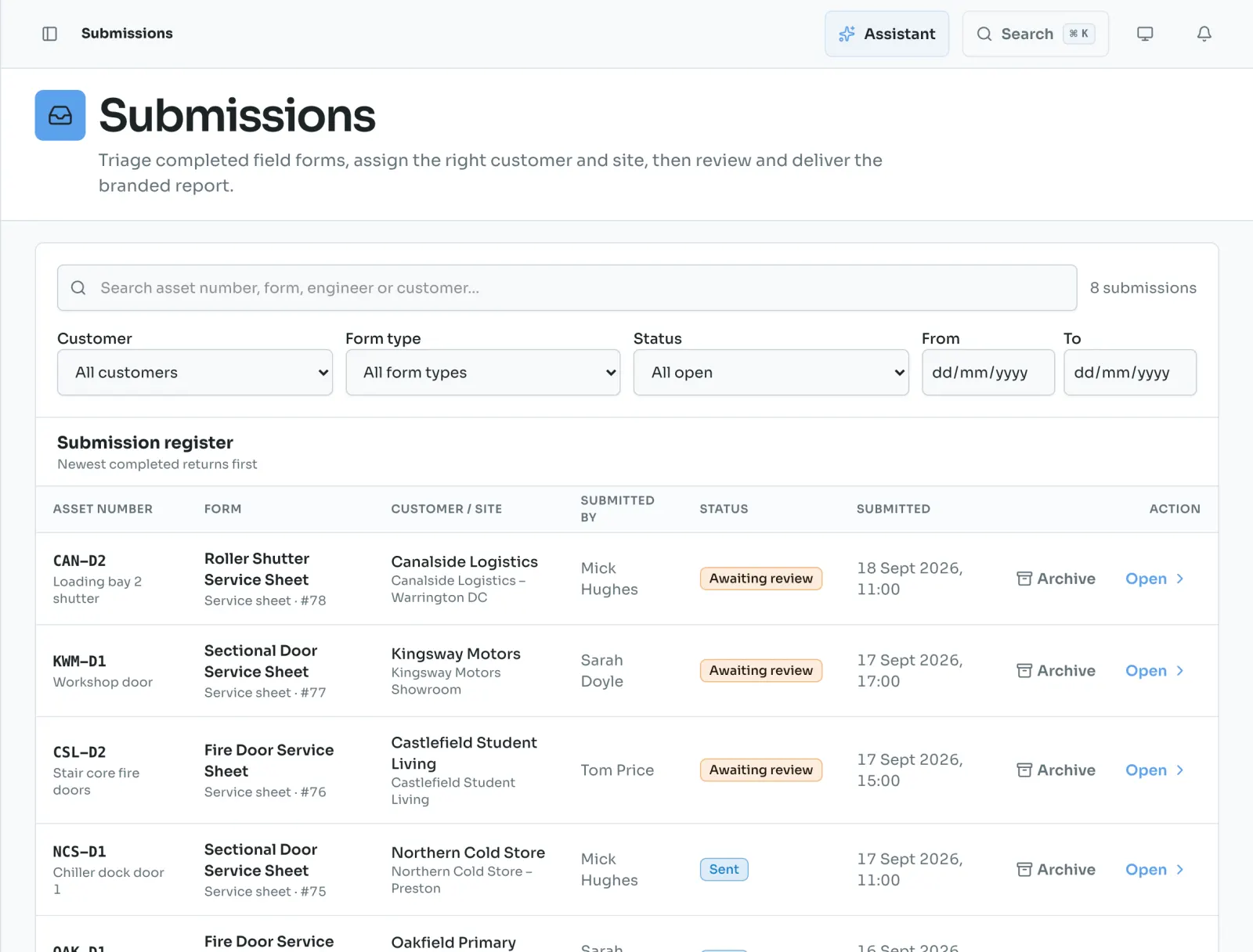
The finished sheet arrives in Submissions with the door, site, customer and engineer already on it, ready to review.
Why it matters
Door Ops focuses on the live workflow that saves time now: capture the worksheet, review the summary, send the paperwork.
Start with ready-made service sheet, callout, works required, and dynamic site risk assessment forms.
Preset-led setup
Share a focused browser link with engineers or subcontractors without creating full office accounts.
Phone-ready workflow
Capture the evidence customers expect before the job record reaches the office.
Complete source record
They sign in once. Your engineers use their own Door Ops login, and subcontractors you approve get a free account. Anyone outside your team sees a request-access page instead of your forms.
Door Ops saves worksheet answers and signatures on the phone as the engineer works. Photos upload as signal allows, and the engineer can return to the same saved worksheet after a connection drop.
The office assigns the customer and site after submission. Door Ops then applies that customer’s branding to the PDF.
Create a Door Ops form from a preset, collect the worksheet from site, review the AI summary, and send a branded PDF. Try Door Ops free for 30 days.
Coming soon on iPhone
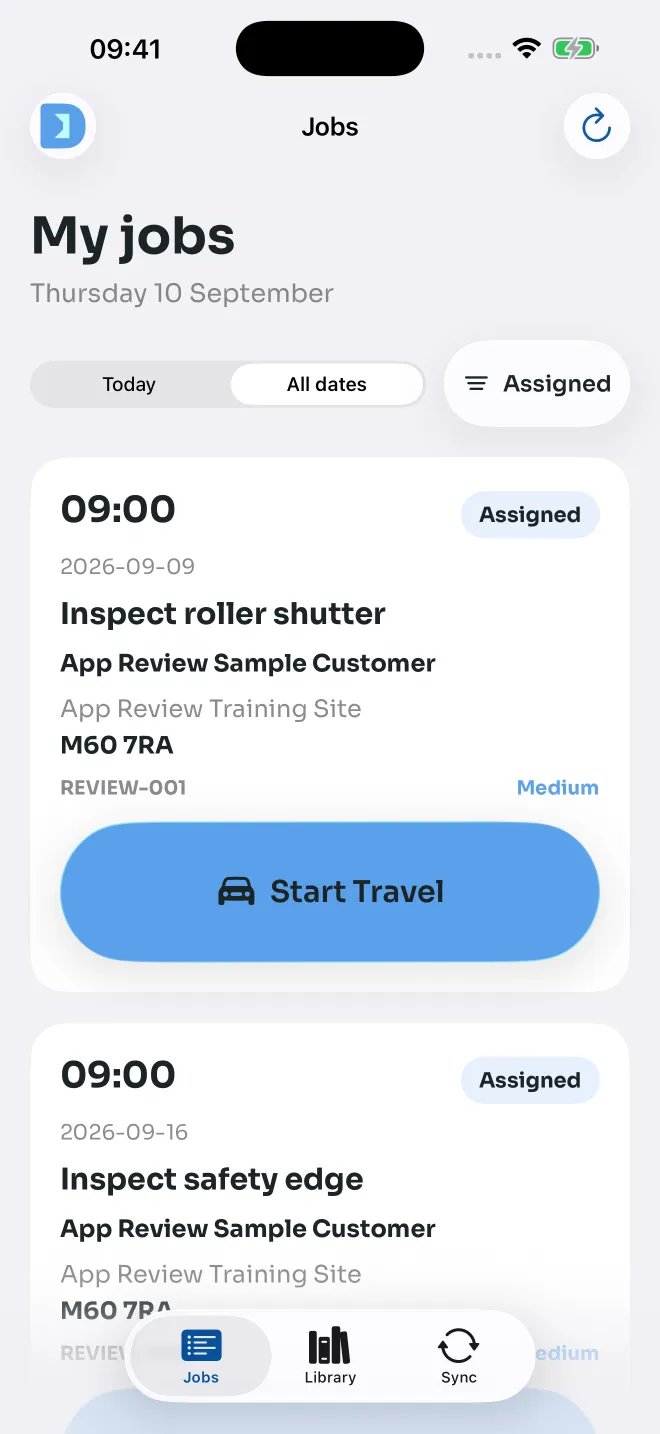
Your jobs, site warnings, photos and office updates in a dedicated engineer app. Big, clear actions and saved work for the moments the signal drops.
Submitted to Apple. App Store availability is coming soon.